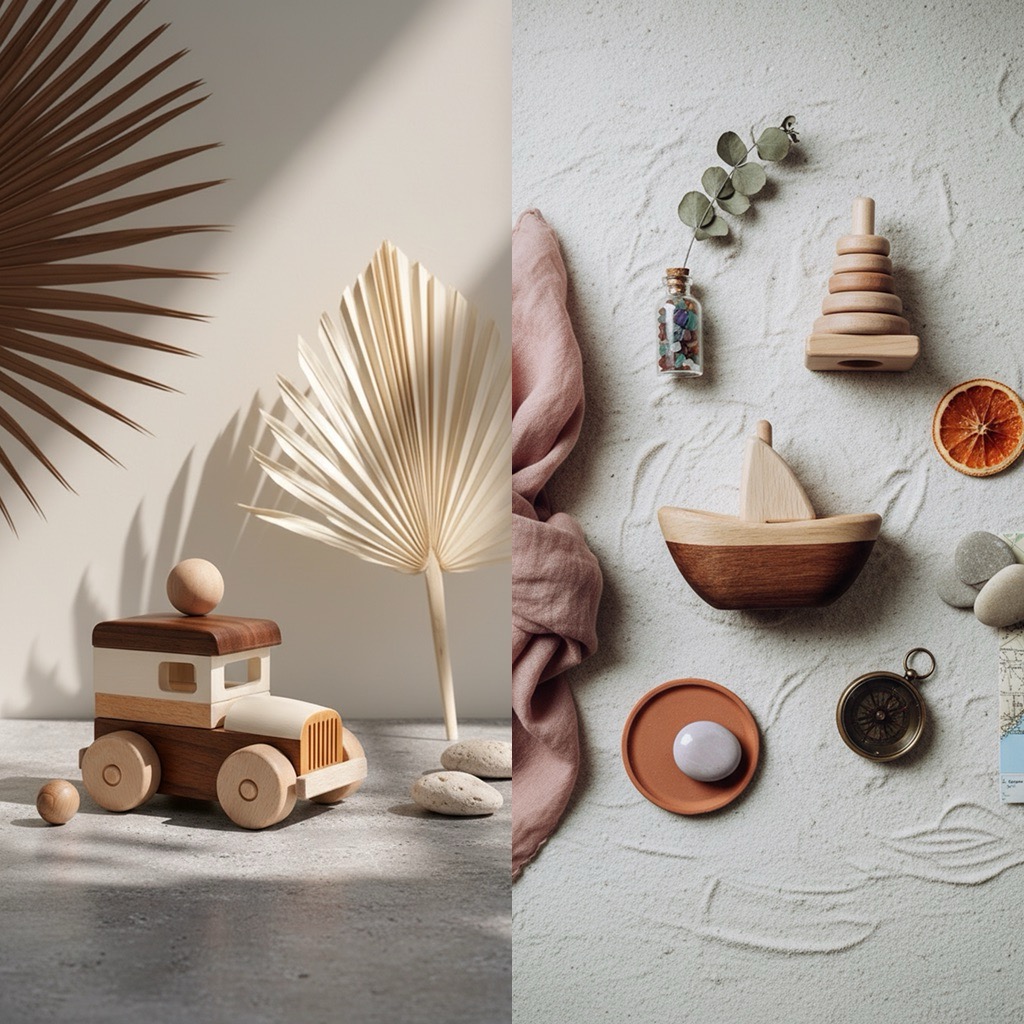
 PhotoLotus
Every listing looks different
One photo from your kitchen table, one from a friend's camera, one from last year's shoot. Customers notice — and it reads as "small" instead of "premium".
Product photography app for small brands
Take one simple photo of your product. Get consistent, on-brand listing and lifestyle photos for Shopify, Etsy, Amazon and Instagram — every image matching your brand, every launch without the time and cost of a photoshoot.

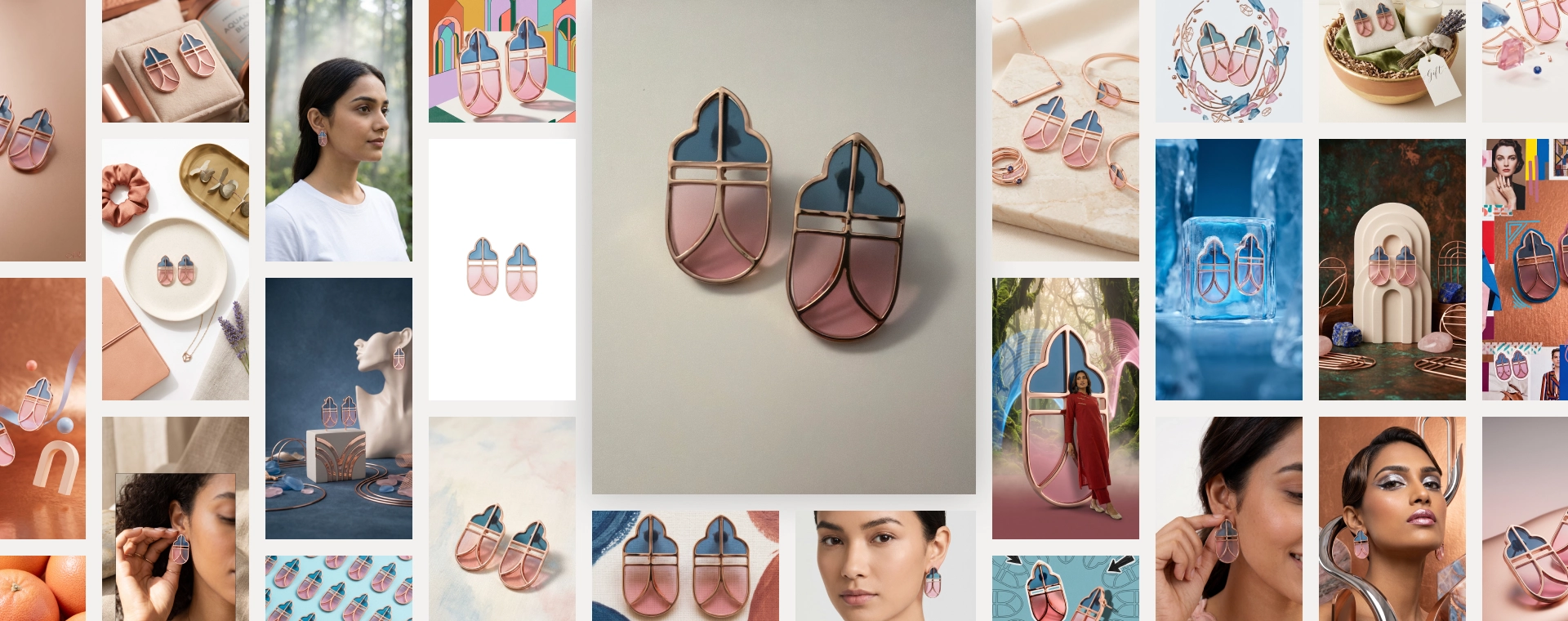
One photo from your kitchen table, one from a friend's camera, one from last year's shoot. Customers notice — and it reads as "small" instead of "premium".
A model, a studio or location, a photographer, creative research — and a 3–5 day turnaround. For a founder-led brand, that's a launch budget gone before launch.
The product is ready. The listing isn't, because the photos aren't. Every week of waiting is a week of sales you don't get back.
Any AI tool can make one pretty picture. PhotoLotus is built so your next hundred pictures belong together — that's what makes a catalog look premium.
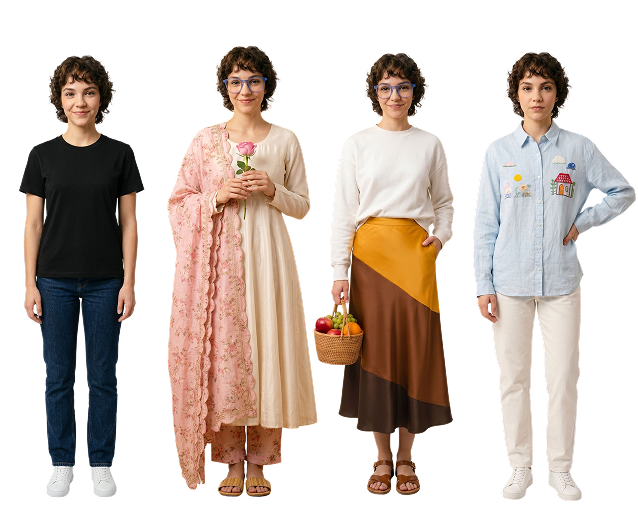
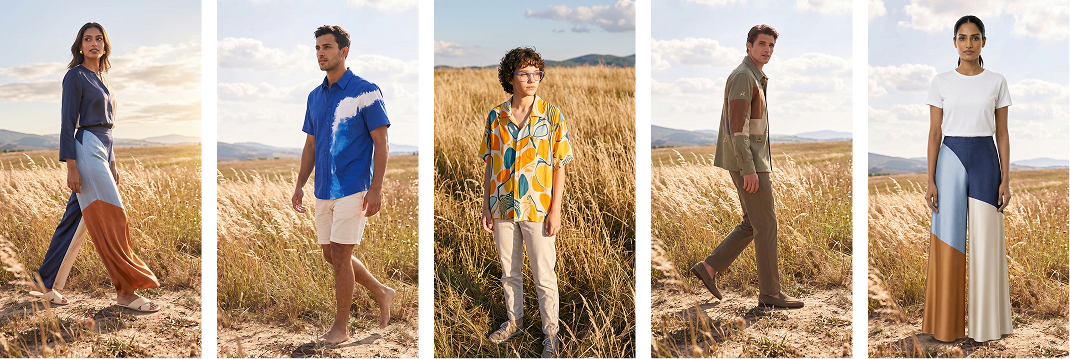
No studio. No prompts. No design skills. Three steps on your iPhone.
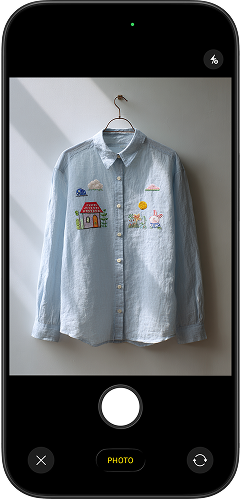 Step 1
Any clear photo works — on a hanger, held in your hand, on the kitchen table. No clean background needed.
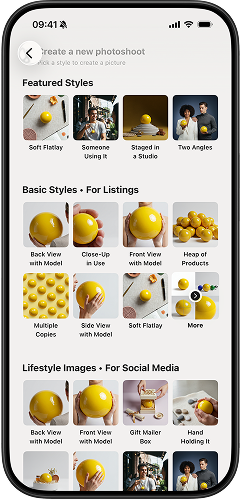 Step 2
Tap an art-directed style — flatlay, studio, on-model, lifestyle. Want a tweak? Just type the change in plain words.
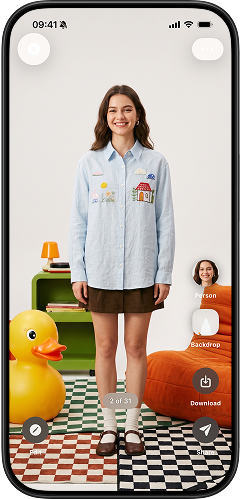 Step 3
High-resolution images in the aspect ratio you need, ready for your store, social media and email in minutes.
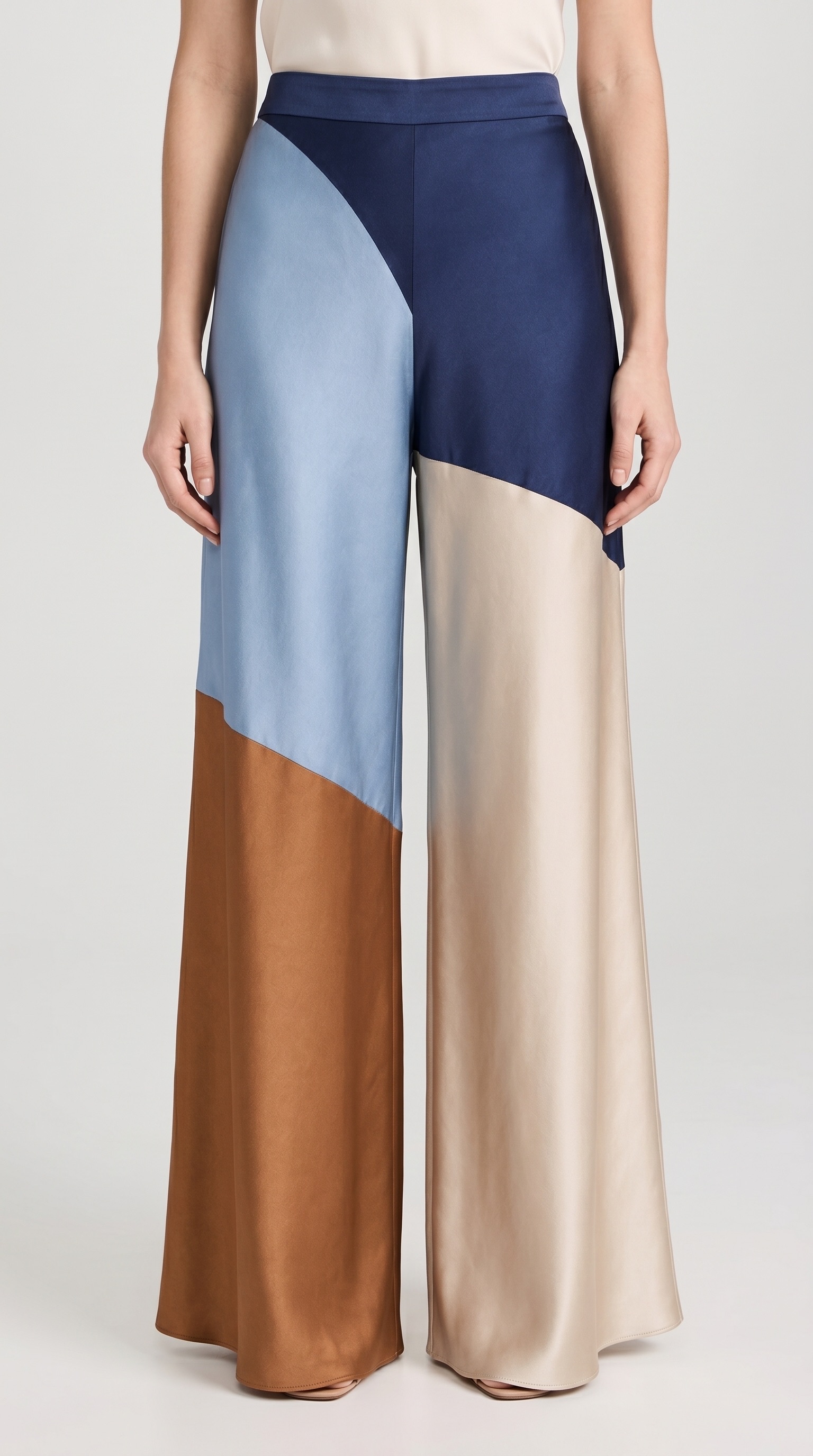
Get clean white or solid-color backgrounds that follow marketplace guidelines
in just a few taps.
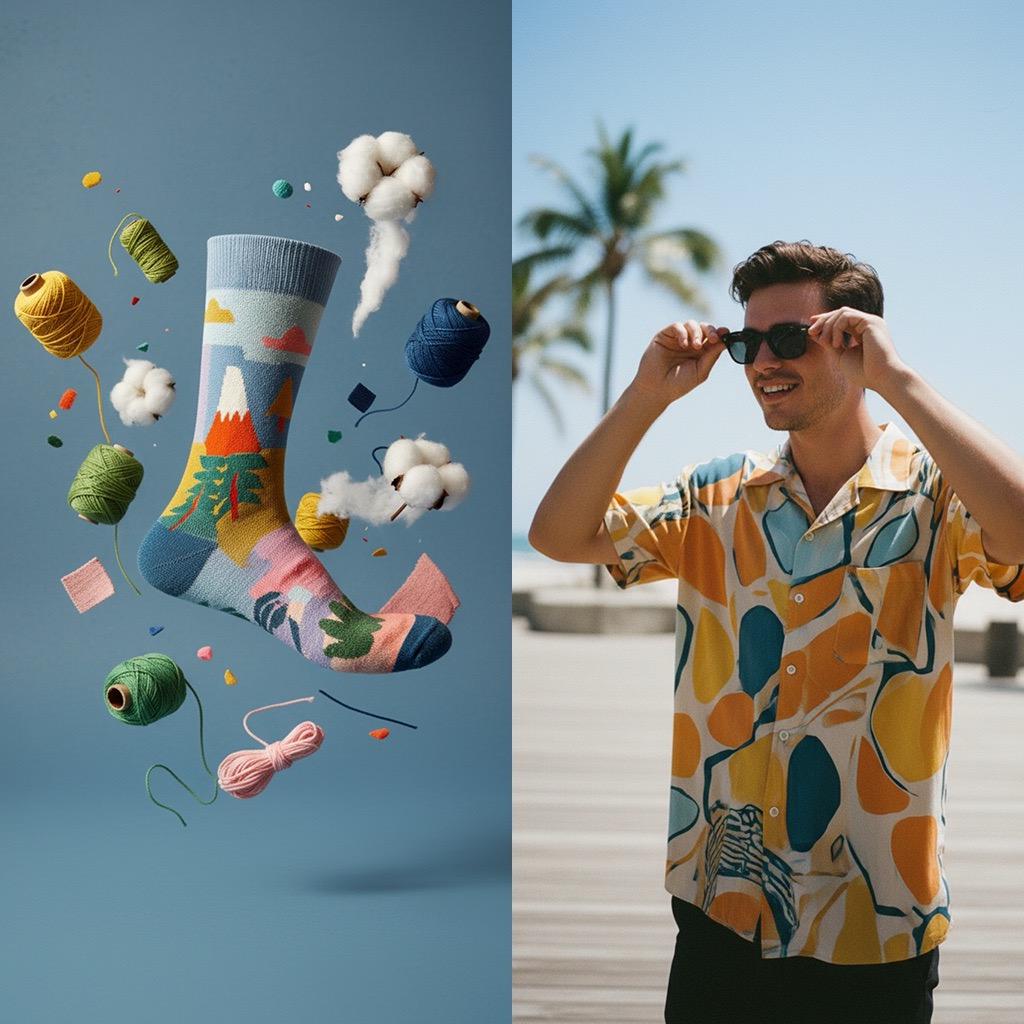
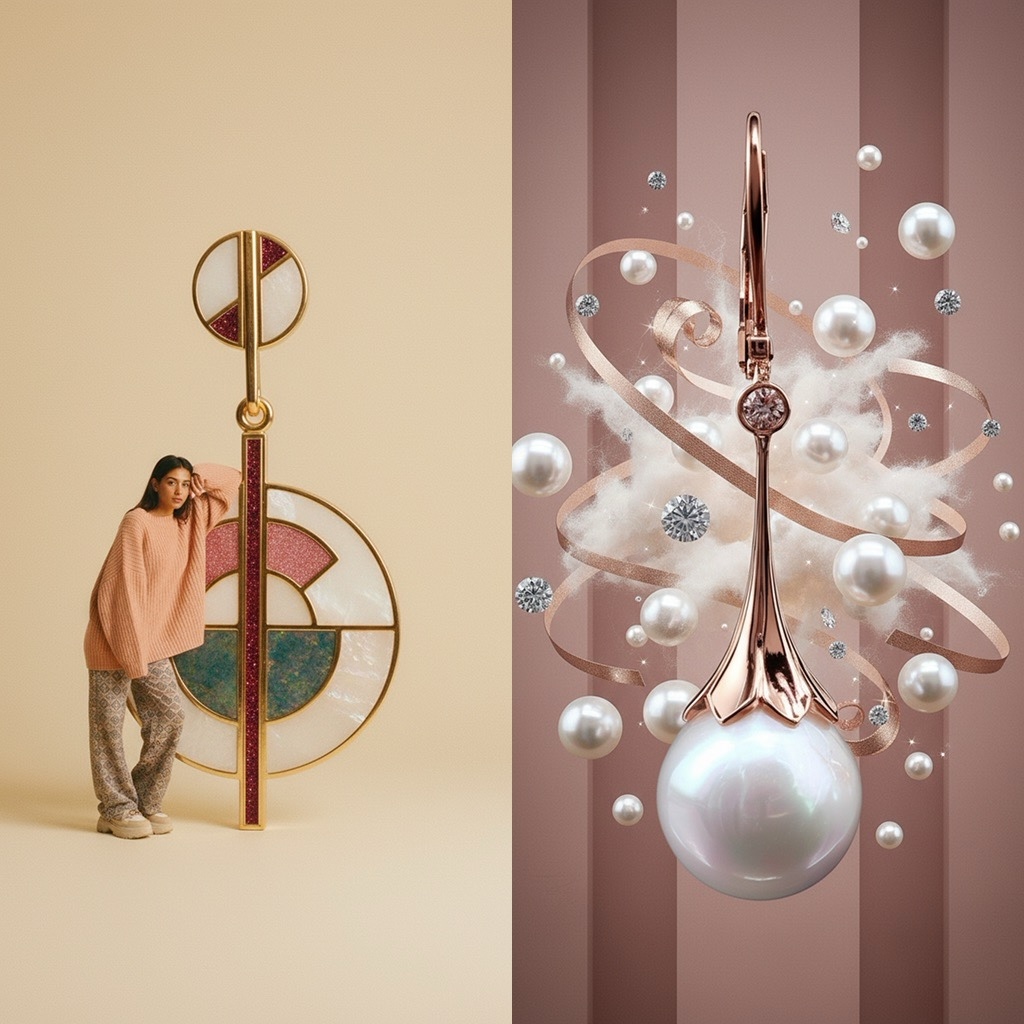
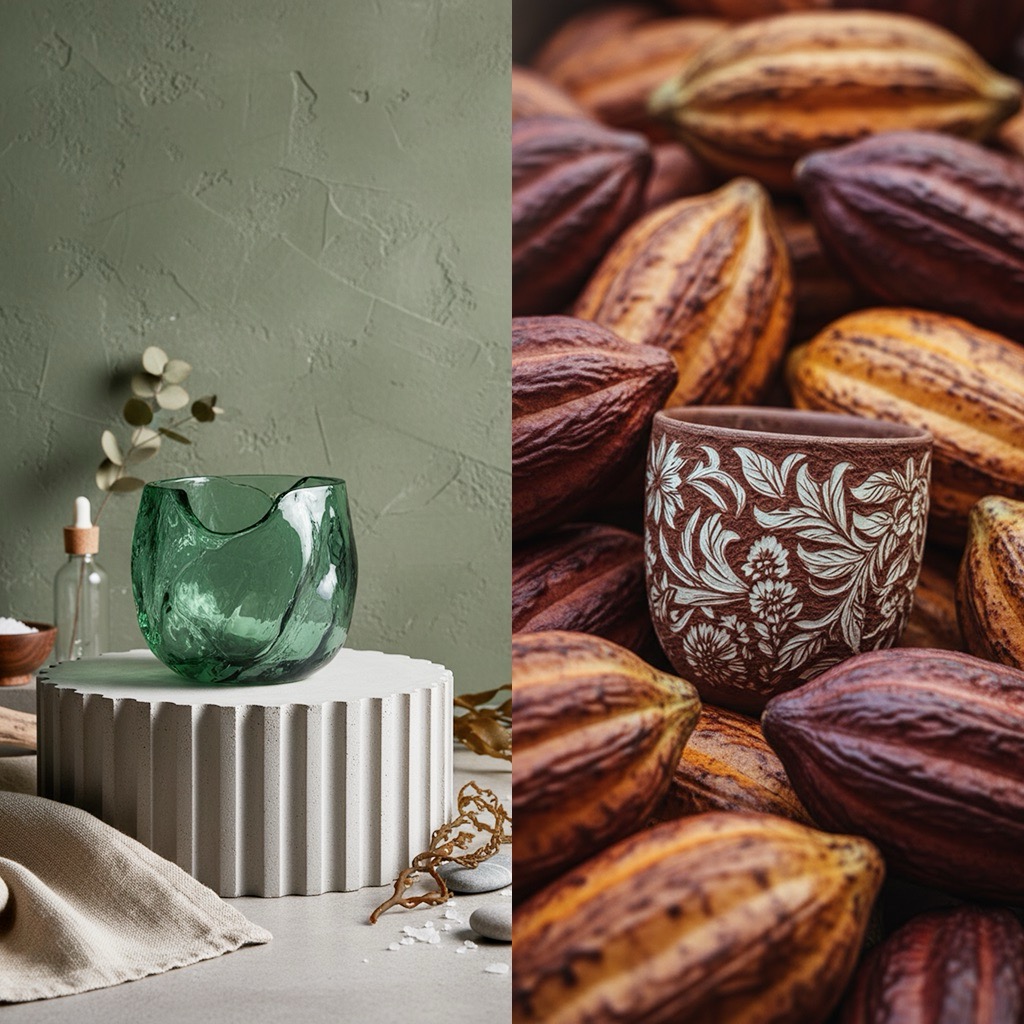
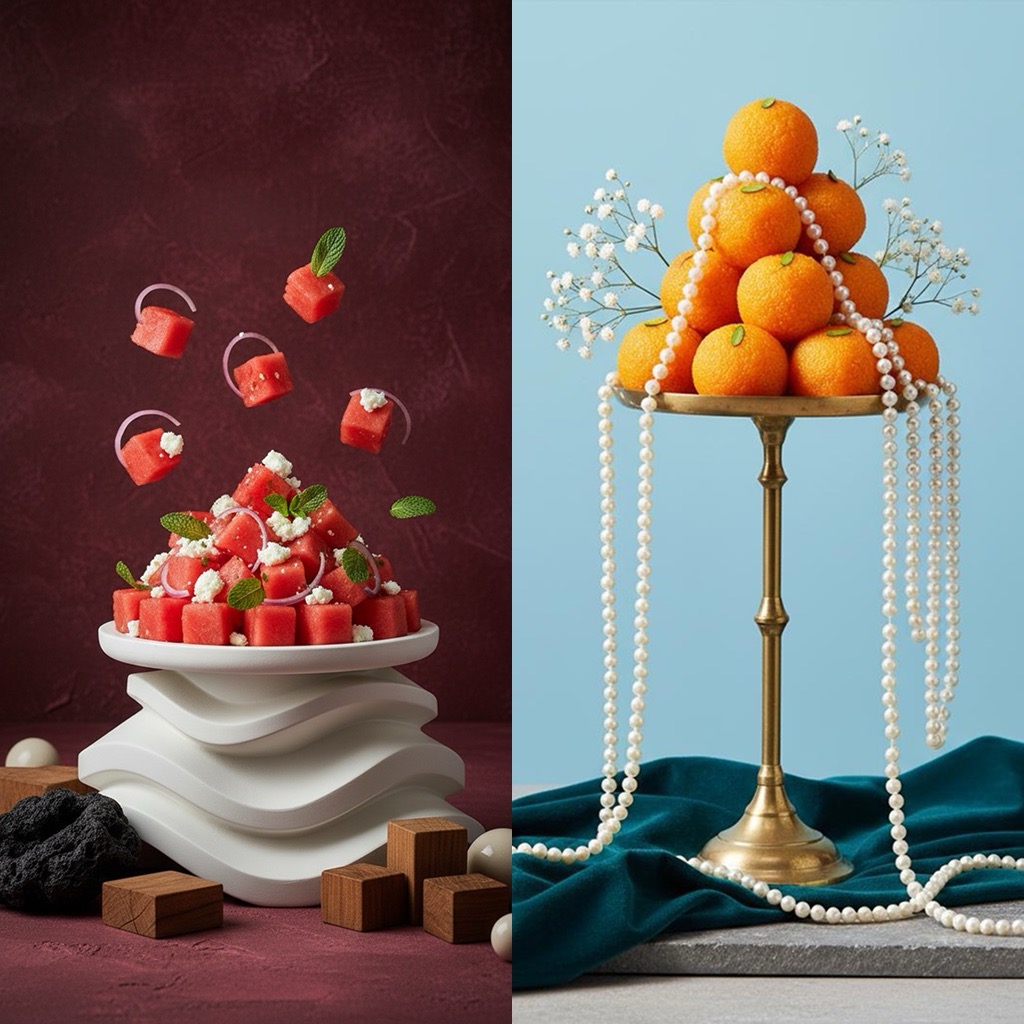
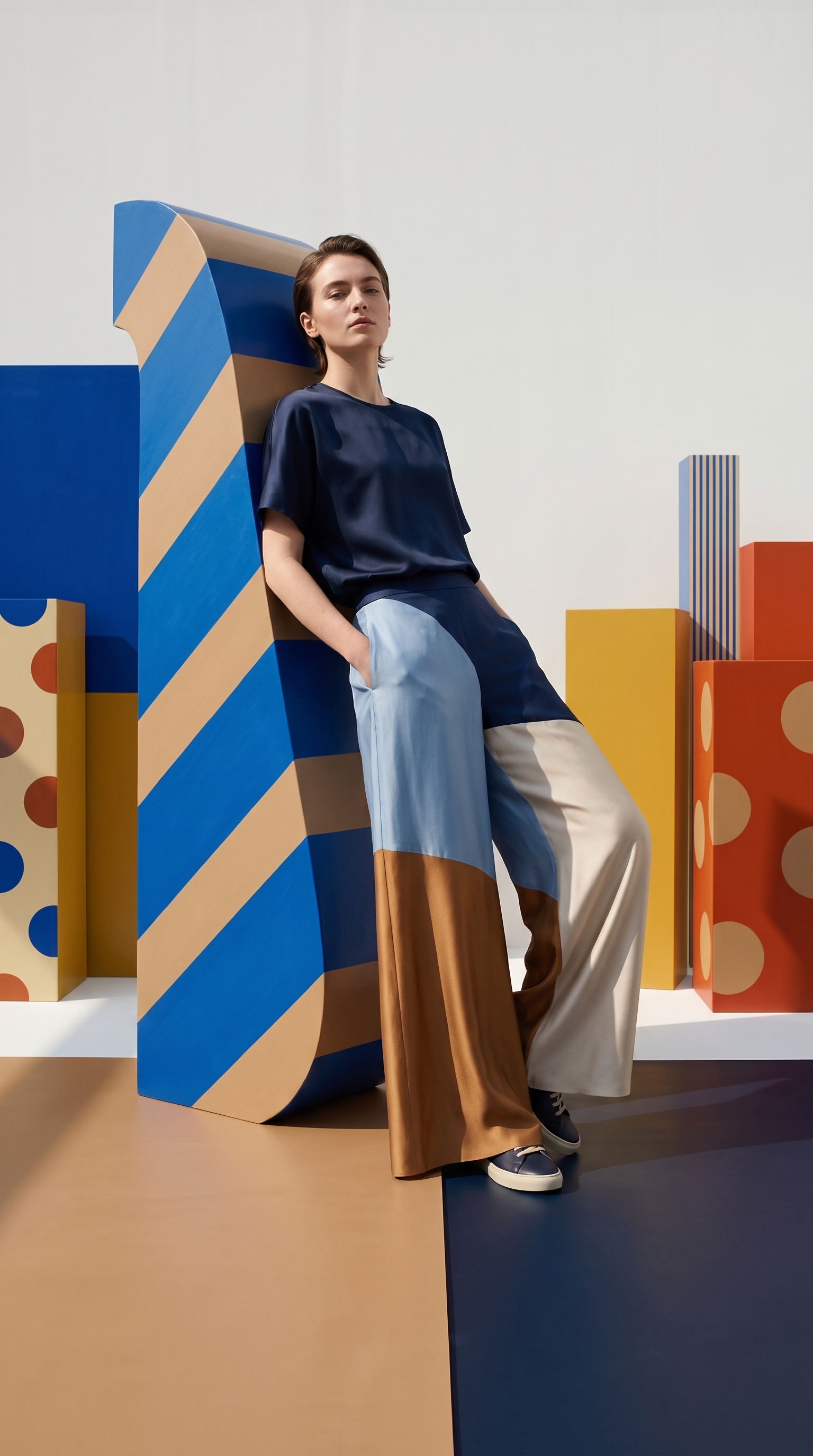
Editorial scenes, on-model shots and campaign imagery that would normally take a model, a location and a photographer — generated from the same single product photo.
Plenty of tools can generate a nice image. The question is whether image #47 still looks like your brand.
| What matters to your store | PhotoLotus | Generic AI image tools |
|---|---|---|
| Catalog consistency | Saved models and backdrops keep every product in one visual identity | Every generation starts from scratch — every image looks different |
| Effort per image | Tap a style; art direction is built in | Write and rewrite prompts until something works |
| Marketplace listings | One-tap white or solid-color backgrounds that follow marketplace guidelines | Manual cleanup and cropping in another app |
| Built for products | Works from one photo of your real product, protecting its details | General-purpose generation; product details drift |
| Where it lives | On your iPhone, next to your camera | A desktop tab and a workflow of exports |
Pick a plan that matches how fast you produce. Cancel anytime from your App Store settings.
See your local price on the App Store.
See your local price on the App Store.
Any clear photo of your product works — even on a messy background, held in your hand, or on a hanger. Better lighting helps, but you don't need professional equipment.
You can save a virtual model and a backdrop inside the app. Every new product can then be photographed with the same face and the same setting, so your whole catalog looks like one photoshoot.
No. You pick a style — like Soft Flatlay, Staged in a Studio, or Front View with Model — and get an art-directed photo. If you want a change, you type it in plain words: "set the product in a natural outdoor scene with a field and clouds."
Any physical product you can photograph: clothing, jewelry, ceramics, baked goods, toys, crafts, cosmetics, packaged products and more.
Yes. Both plans allow commercial usage on your store, marketplaces, social media, ads and email.
Yes — each image you generate counts as one image toward your weekly or monthly limit.
Absolutely, no questions asked. Cancel from your iPhone's App Store subscription settings and you won't be charged again.
Download PhotoLotus, photograph one product with your phone, and see your brand's photos in minutes.