 PhotoLotus
For apparel & clothing brands
AI product photos for apparel brands
Turn one phone photo of a garment into on-model shots, lookbook imagery and clean listing photos — with the same model and backdrop across your whole collection. No studio, no model bookings, no 5-day turnarounds.

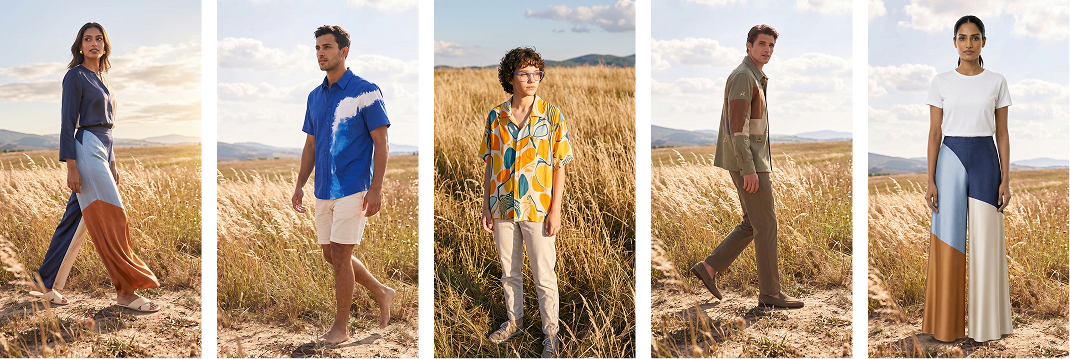
You need on-model photos. Photoshoots are expensive.
-
Flat photos don't sell fit
Customers want to see drape, fit and movement — but every on-model shoot means booking a model, a photographer and a location.
-
Every drop looks like a different brand
Different models, different lighting, different locations across launches make your store and Instagram grid feel stitched together.
-
New pieces wait weeks for photos
A 3–5 day photoshoot turnaround — if you can get on the calendar — means finished garments sitting unsold.
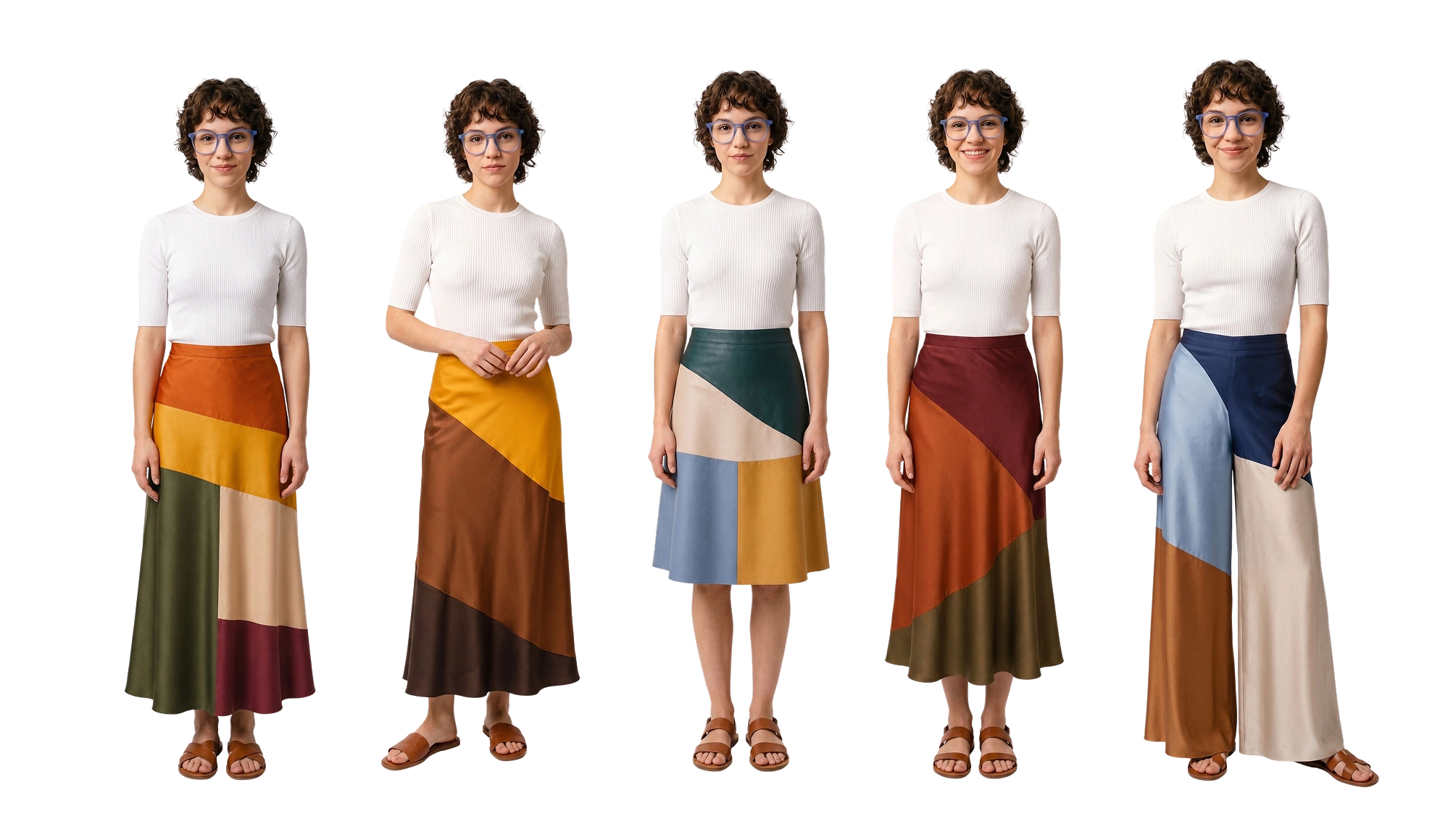
Use the same model in every clothing photo
Save a virtual model and a backdrop once. Every new piece you photograph joins the same visual world — like you kept the same model and location on retainer.
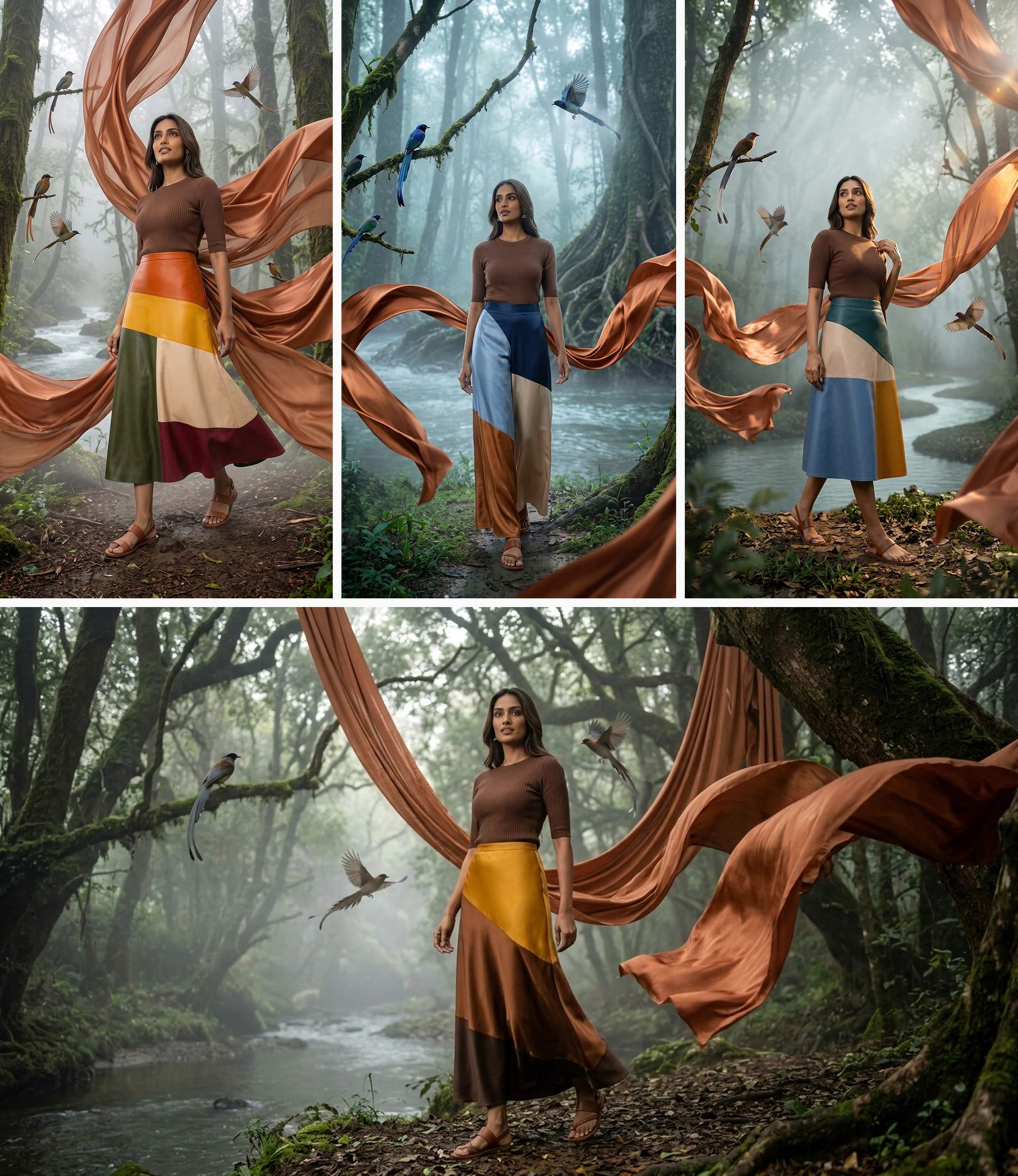
One hanger photo becomes a full clothing photoshoot
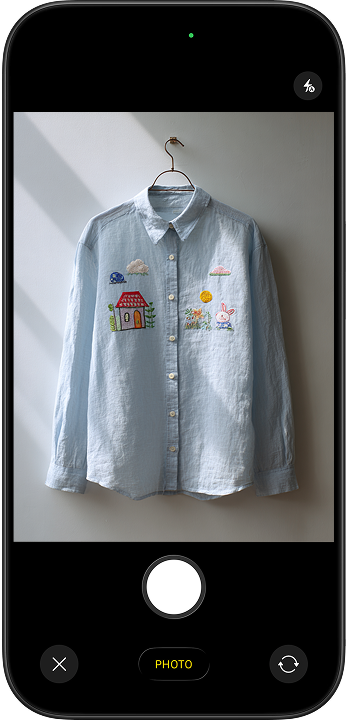
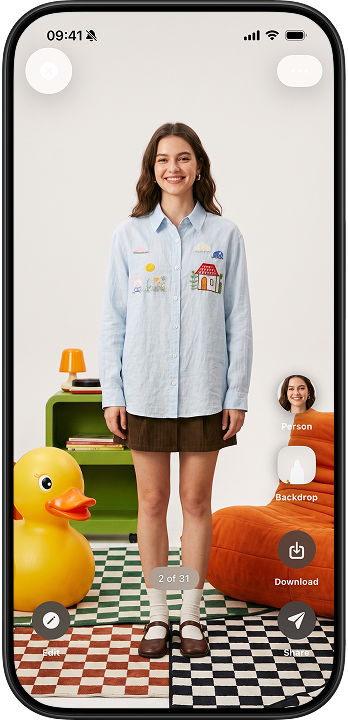
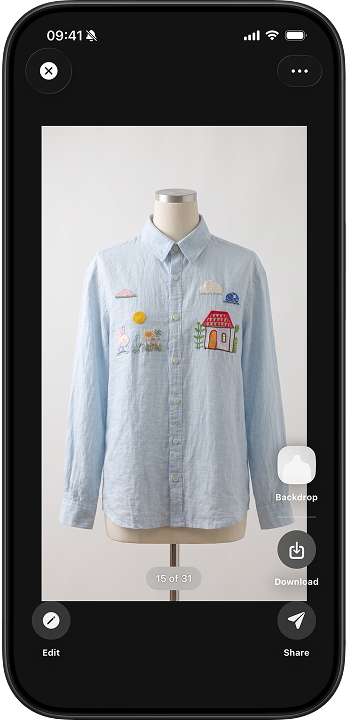
Product photos without a photoshoot, in 3 steps
Snap the garment
On a hanger, flat on a table, or held up — any clear phone photo works, messy background and all.
Pick a style
On-model front and back views, flatlays, studio shots, lifestyle scenes. No prompts — tap a style, or type a change in plain words.
Download and launch
High-resolution photos in the aspect ratios you need for Shopify, Etsy, Amazon and Instagram.
Costs less than a single photoshoot
Pick a plan that matches your launch pace. Cancel anytime from your App Store settings.
or 25 images / week
- Ideal for getting your store consistent
- Commercial usage allowed
- Weekly or monthly billing
See your local price on the App Store.
or 75 images / week
- For frequent drops and busy seasons
- Commercial usage allowed
- Weekly or monthly billing
See your local price on the App Store.
Apparel photography questions
Can I get on-model photos without hiring a model?
Yes. Photograph the garment on a hanger or flat, and PhotoLotus creates on-model photos. Save a virtual model once and reuse the same face for every piece in your collection.
Will my prints, embroidery and fabric details stay accurate?
PhotoLotus works from your real product photo, so patterns, embroidery, buttons and construction details carry into the generated photos.
Does it work from a flatlay or hanger photo?
Yes. A basic phone photo of the garment on a hanger, mannequin, table or floor is all the app needs — even with a messy background.
Can every drop use the same backdrop and model?
That's the point of PhotoLotus. Saved models and saved backdrops mean your spring drop, summer drop and holiday drop all look like one brand.
See your clothes on a model today
Download PhotoLotus, snap one garment with your phone, and see it on your brand's model in minutes.