 PhotoLotus
For bakers & food brands
AI product photos for baked goods
One quick phone photo while it's fresh — then every styled shot you need for your menu, listings and Instagram, without racing the frosting. Your feed stays consistent; your kitchen stays open.

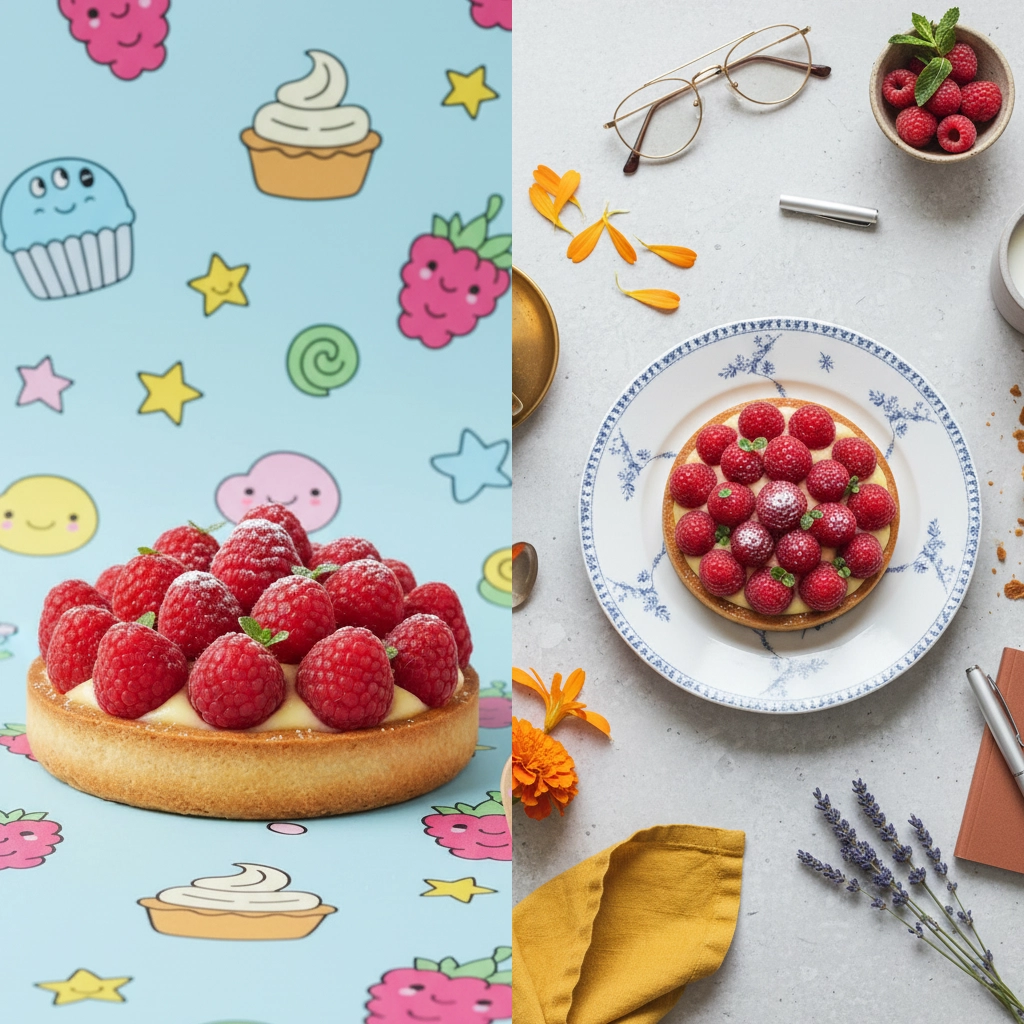
Baked goods don't wait for the perfect photo
-
The product won't wait for the camera
Frosting melts, bread goes dull, glaze slumps. By the time the lighting is right, the bake isn't — and you can't exactly reshoot yesterday's batch.
-
Every new menu means new photos
Seasonal specials, custom orders, weekly menus — the photo workload never ends, and it all happens during your busiest hours.
-
Kitchen light doesn't sell food
Overhead tube lighting makes award-worthy bakes look like cafeteria trays. Appetite appeal is a lighting problem you shouldn't have to solve.
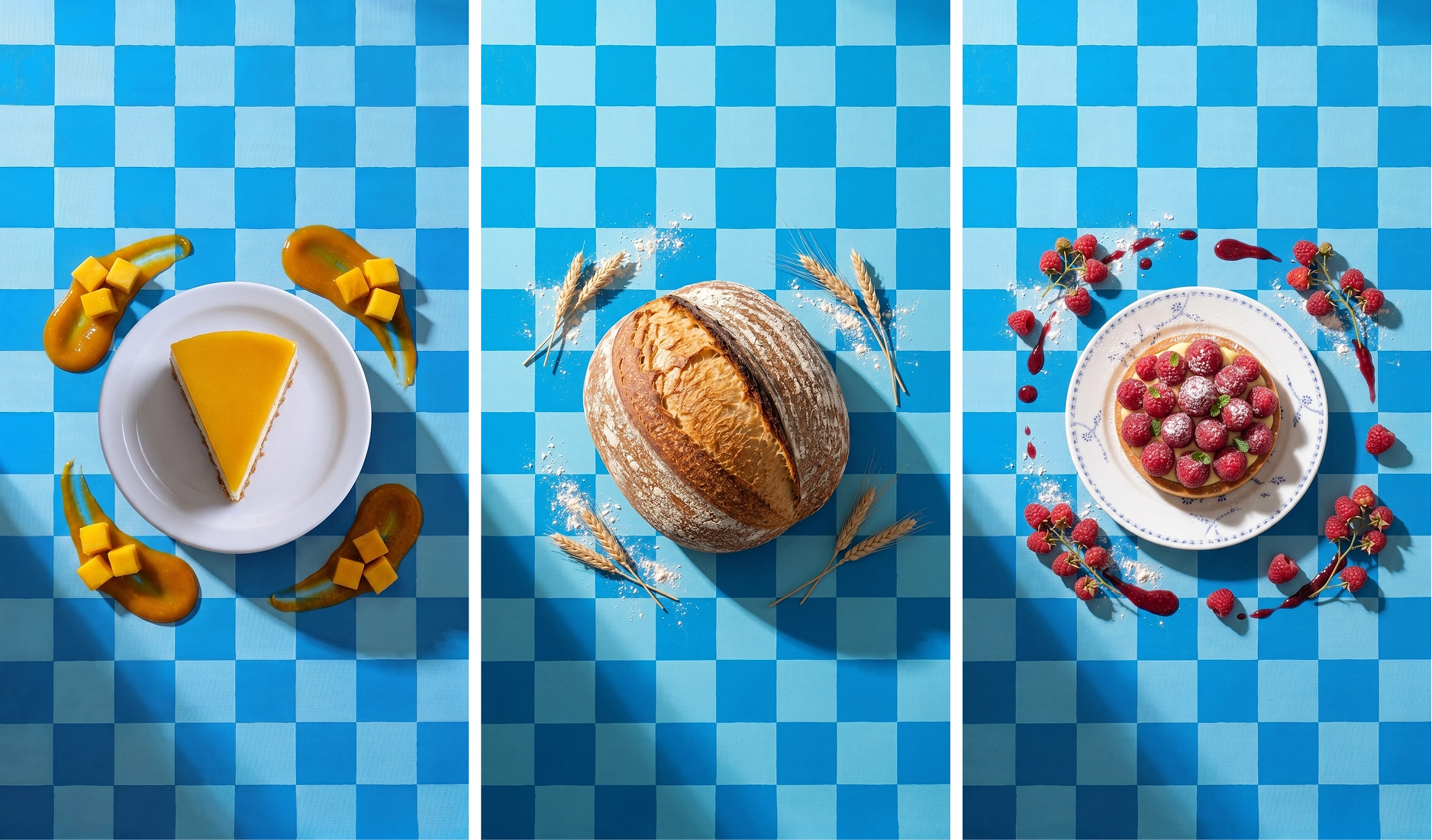
Photograph every bake on the same table, all year round
Save a backdrop — your marble counter, your brand-colored table, your café corner — and every cake, box and cookie appears in it. A grid that looks like one bakery is a grid people trust with their orders.
From cooling rack to menu-ready in minutes
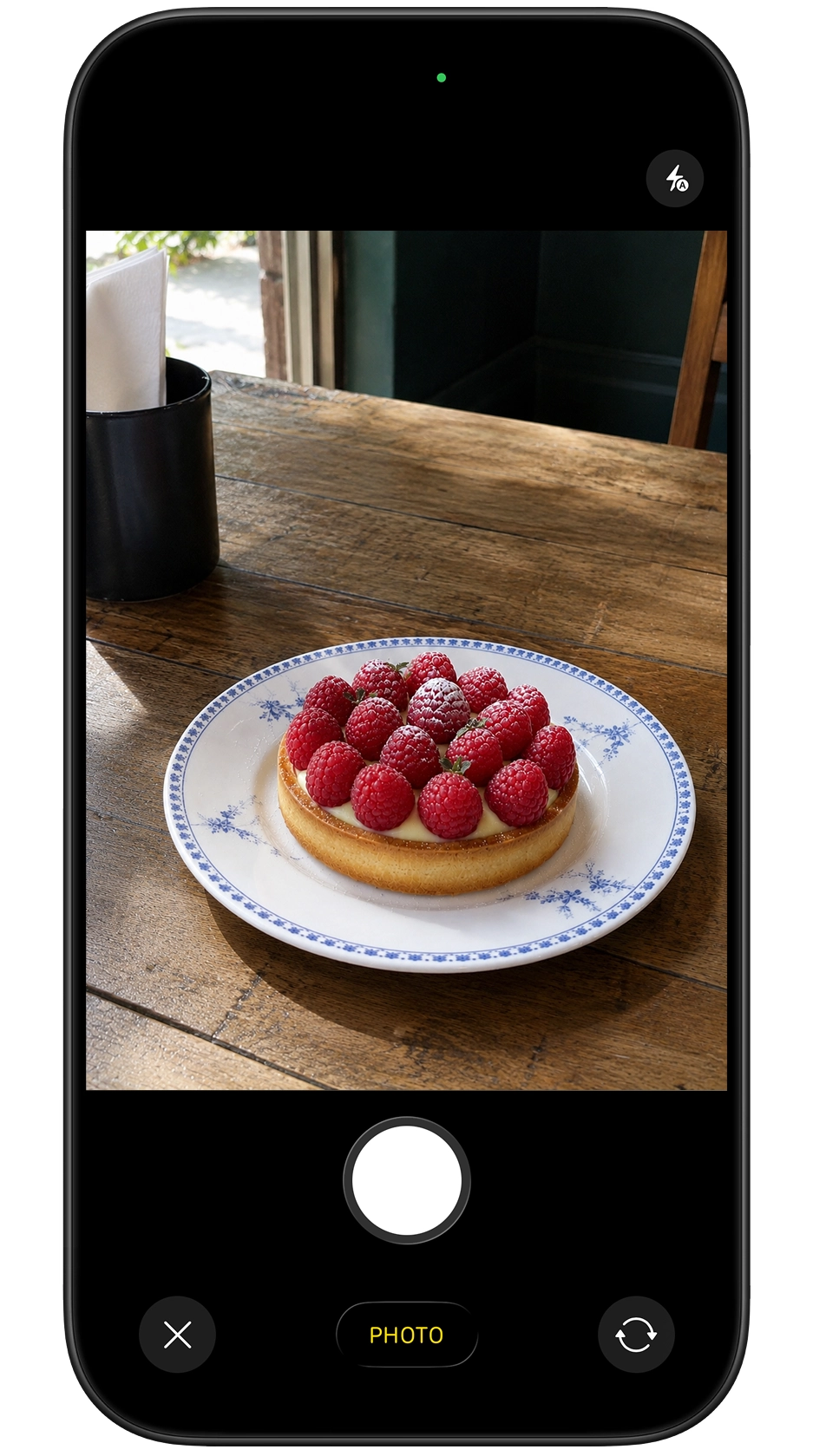
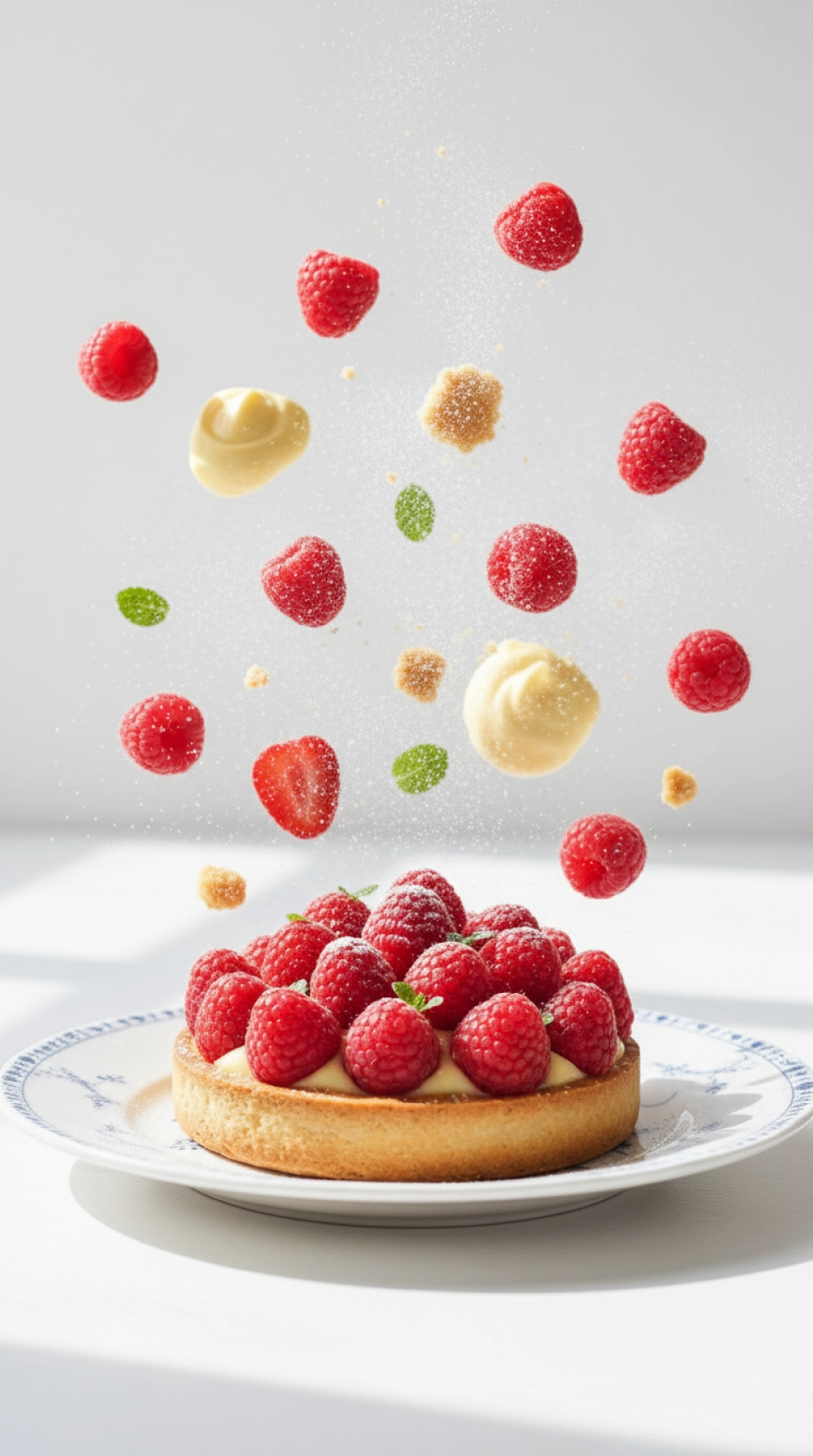
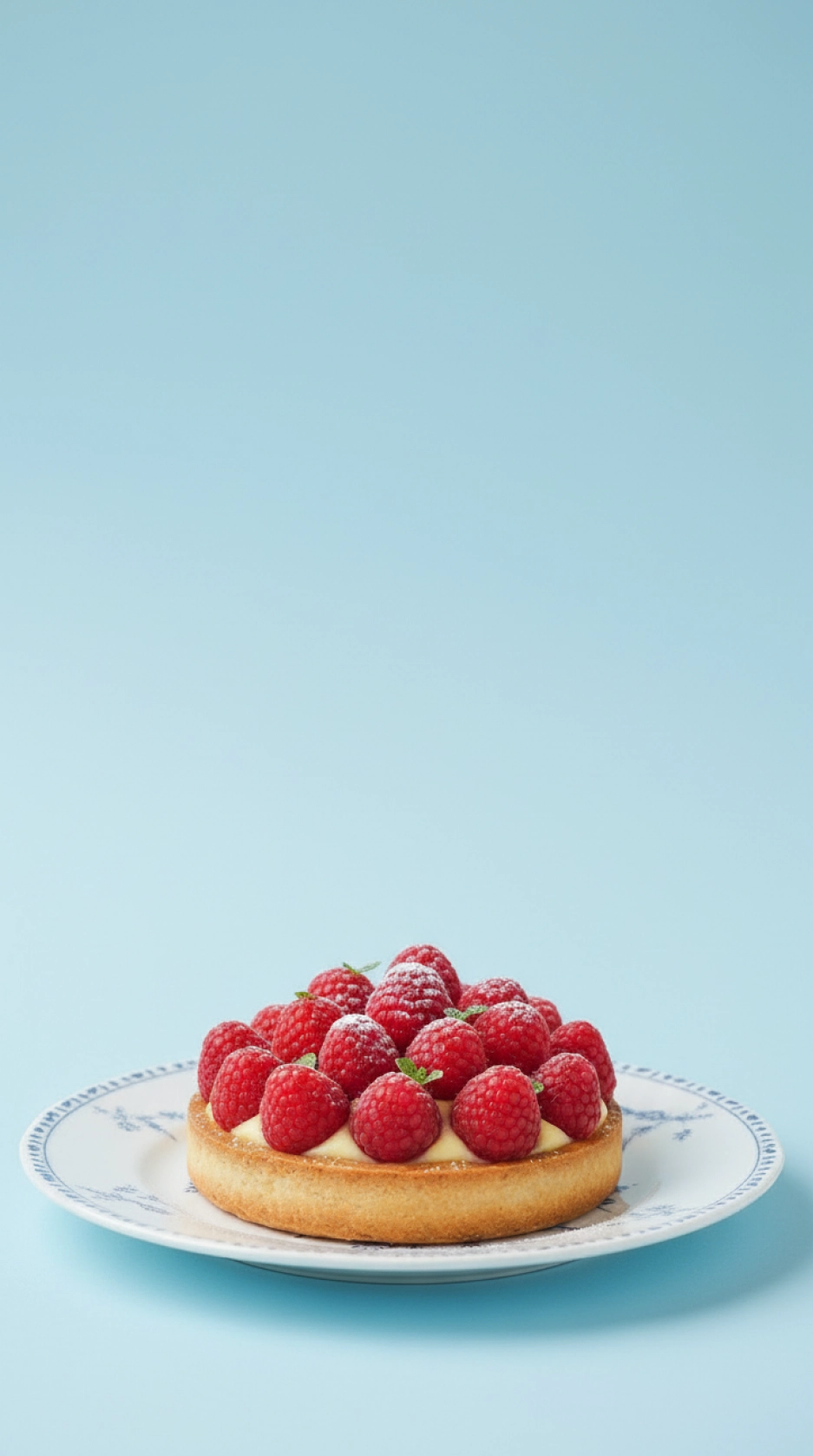
Product photos without a photoshoot, in 3 steps
Snap it fresh
One clear phone photo the moment it's ready — counter clutter and kitchen light are fine.
Pick a style
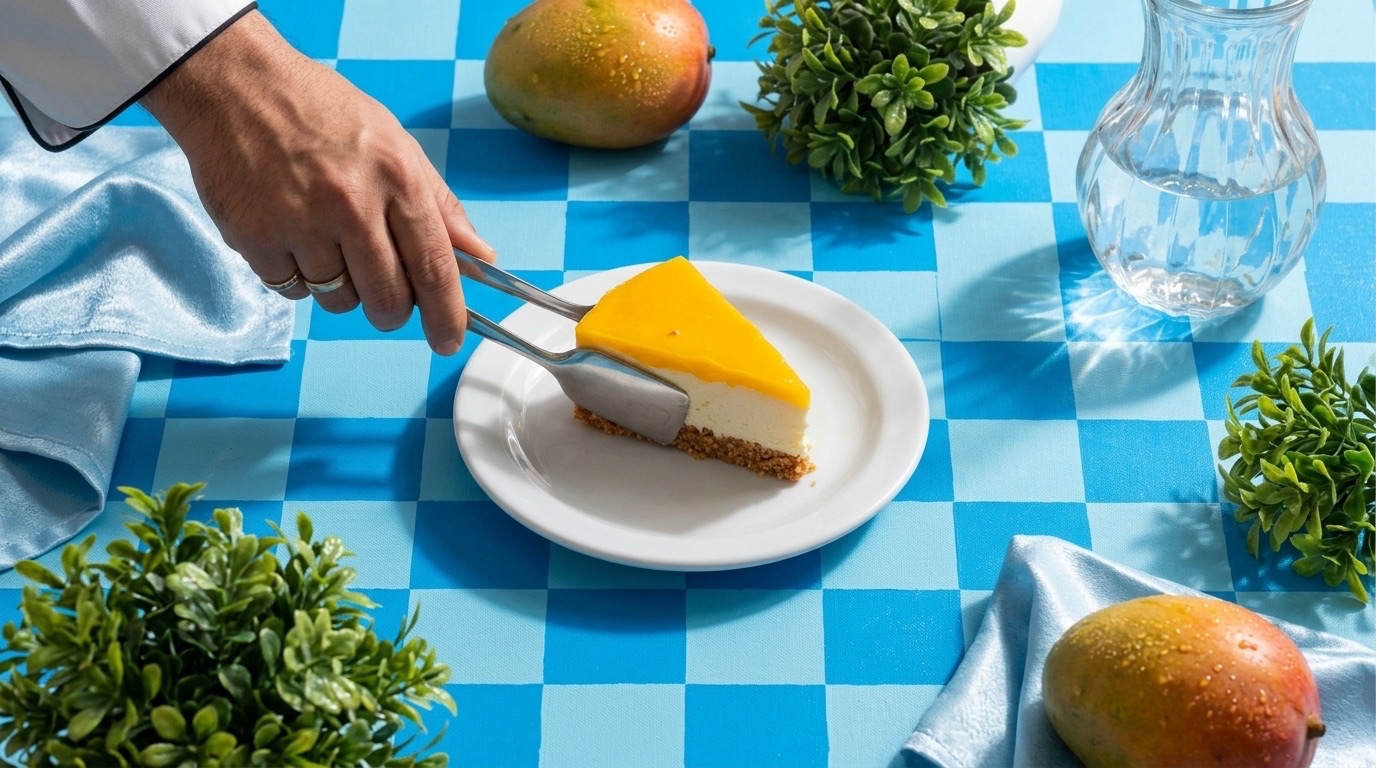
Styled tables, close-ups, gift boxes, someone enjoying it. Tap a style — no prompts to write.
Download and post
High-resolution photos for Instagram, delivery menus and your store, ready before the oven cools.
Costs less than one food photoshoot
Pick a plan that matches your menu pace. Cancel anytime from your App Store settings.
or 25 images / week
- Ideal for a consistent menu and feed
- Commercial usage allowed
- Weekly or monthly billing
See your local price on the App Store.
or 75 images / week
- For weekly menus and holiday seasons
- Commercial usage allowed
- Weekly or monthly billing
See your local price on the App Store.
Food photography questions
My products melt, deflate or go stale. How does PhotoLotus help?
You only need one quick phone photo while the bake is fresh. Every styled shot after that — different scenes, angles and settings — is generated from that photo, no reshoots.
Will my food actually look appetizing?
PhotoLotus applies art-directed styles built for products — warm light, styled tables, close-ups — that make bakes look the way they taste. The product itself comes from your real photo.
Can I keep my bakery's Instagram feed consistent?
Yes. Save a backdrop — your signature table, your brand colors — and every cake, box and cookie gets photographed in the same setting, so your grid looks like one bakery.
Does it work for packaged goods and gift boxes?
Yes. Styles like Gift Mailer Box are built exactly for packaged products, seasonal boxes and hampers.
Photograph it before it's gone
Download PhotoLotus, snap today's bake with your phone, and post it looking its best in minutes.