 PhotoLotus
For ceramicists & potters
AI product photos for ceramics & pottery
Turn one phone photo of a piece into styled table scenes, warm lifestyle shots and clean listing photos for Etsy and Shopify — with every firing joining one consistent shop. More time at the wheel, less time behind a camera.

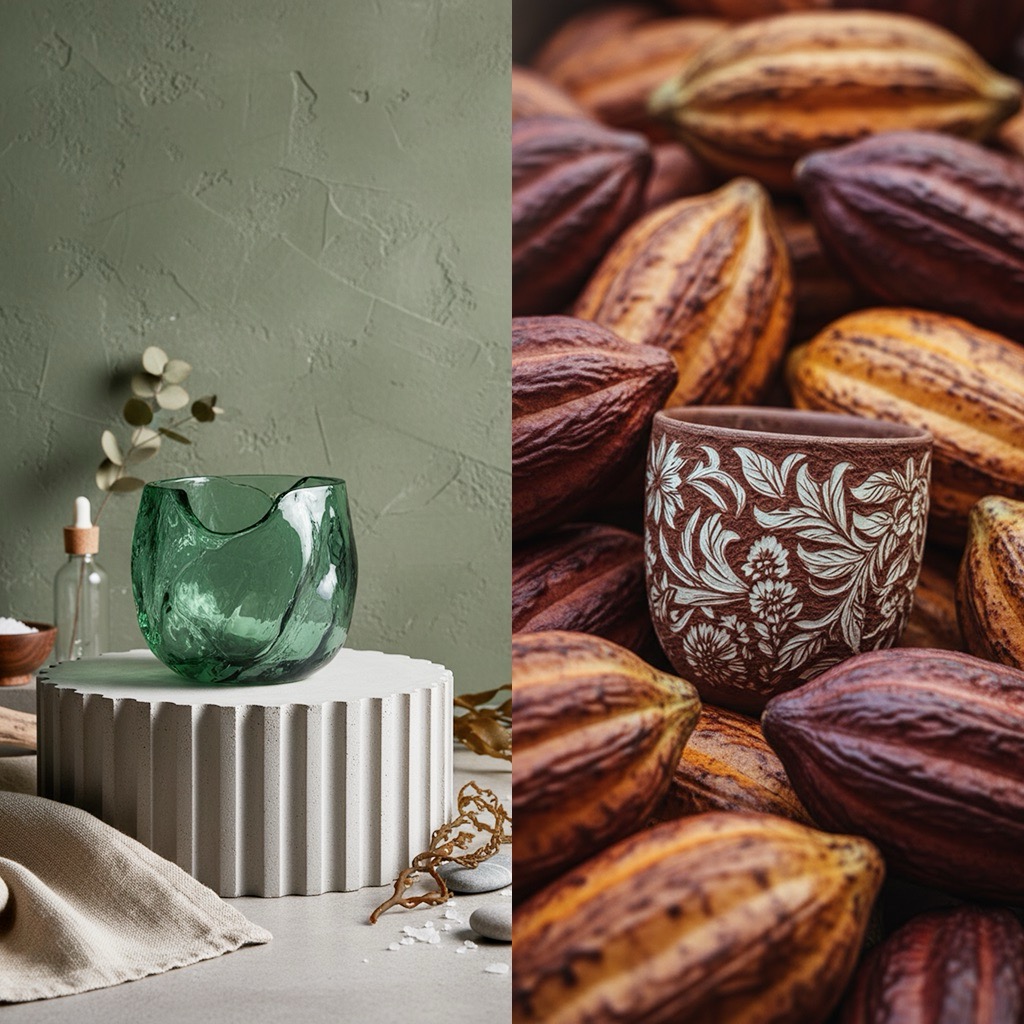
Every piece is unique — and every piece needs photos
-
Every piece is unique, so every piece needs photos
No batch shoots for you — each mug, bowl and vase out of the kiln is its own listing, its own photography session.
-
Glaze and texture die in bad light
The depth that sells a piece in person — glaze pooling, speckle, throwing lines — flattens out under kitchen lighting and phone flash.
-
Styled scenes take staging you don't have time for
The table setting, the linen, the morning light — customers buy the scene, but staging one for every listing isn't a business, it's a second job.
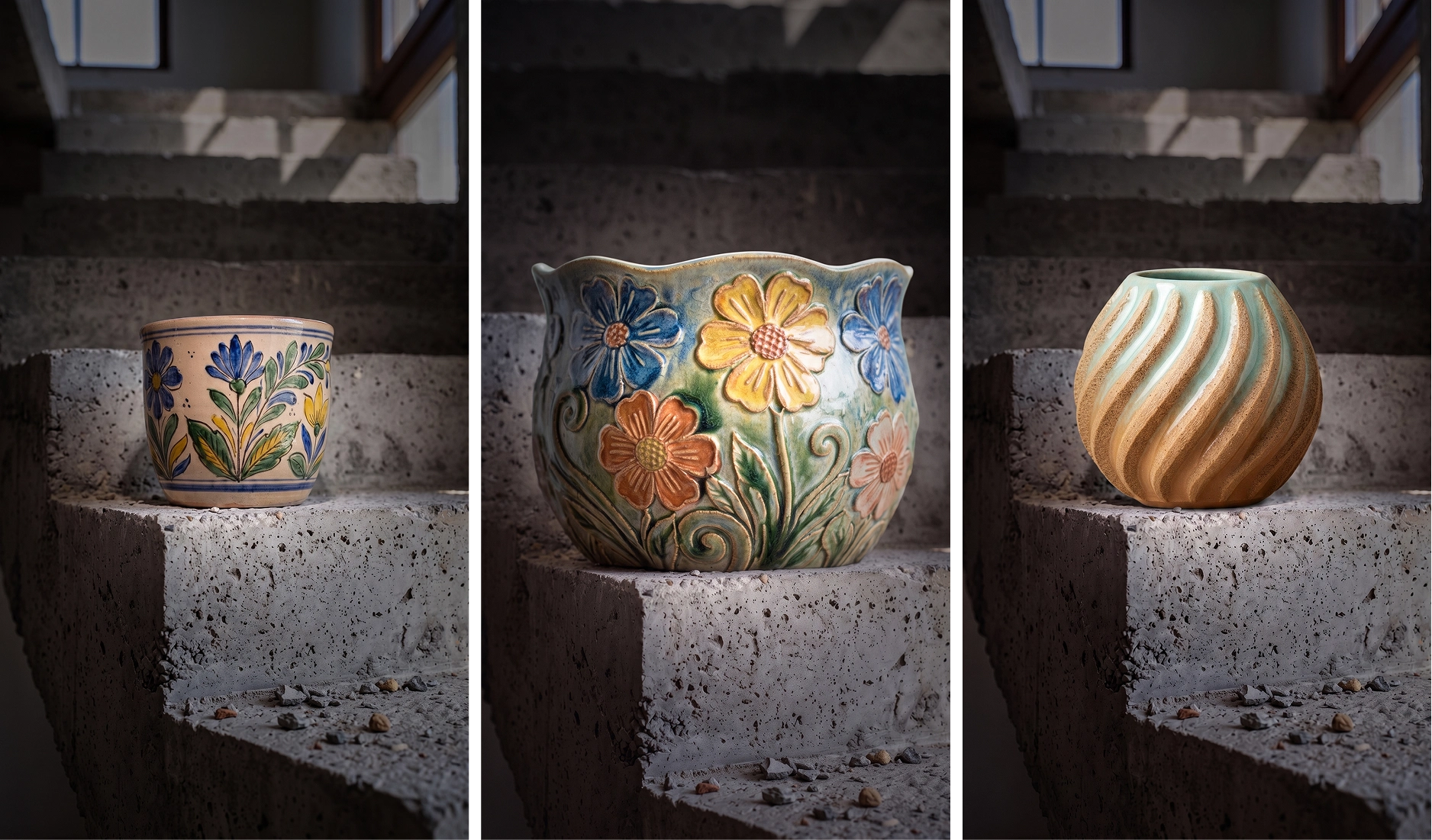
Photograph every piece of pottery in the same setting
Save your signature setting — a linen tabletop, a brutalist staircase — and photograph every new piece in it. A shop where everything belongs together reads as a studio brand, not a garage sale.
From kiln shelf to listing in minutes
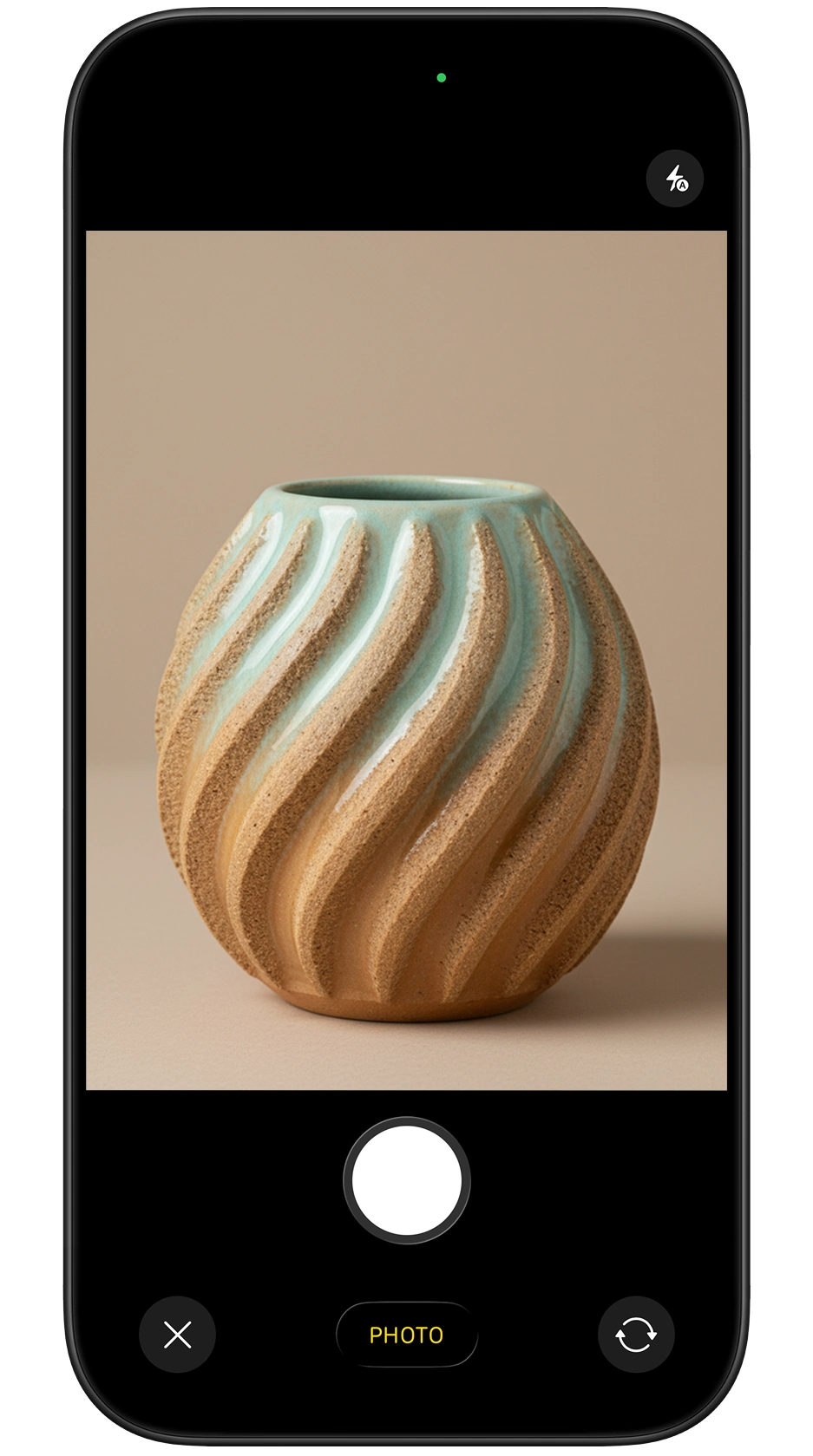
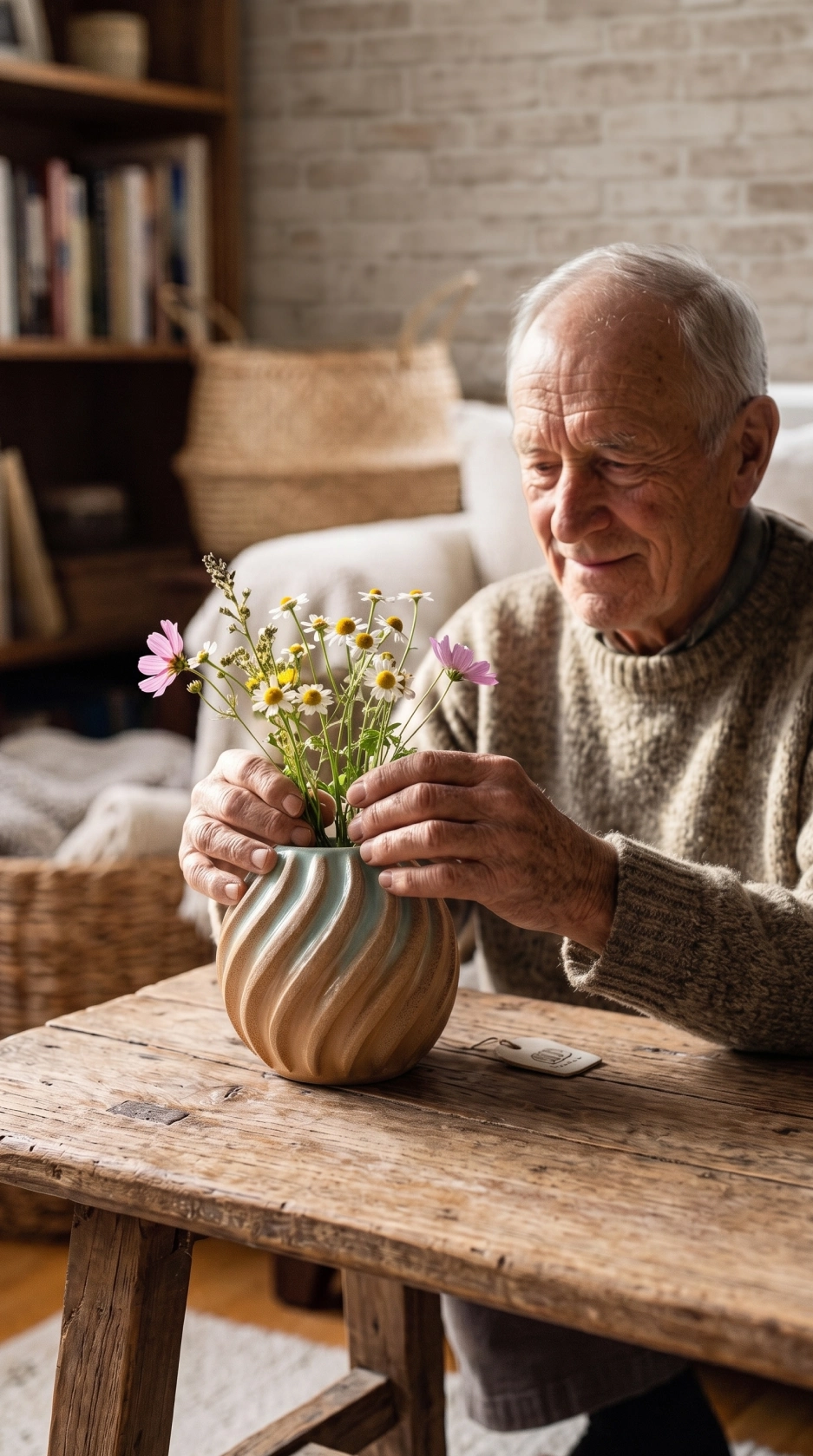
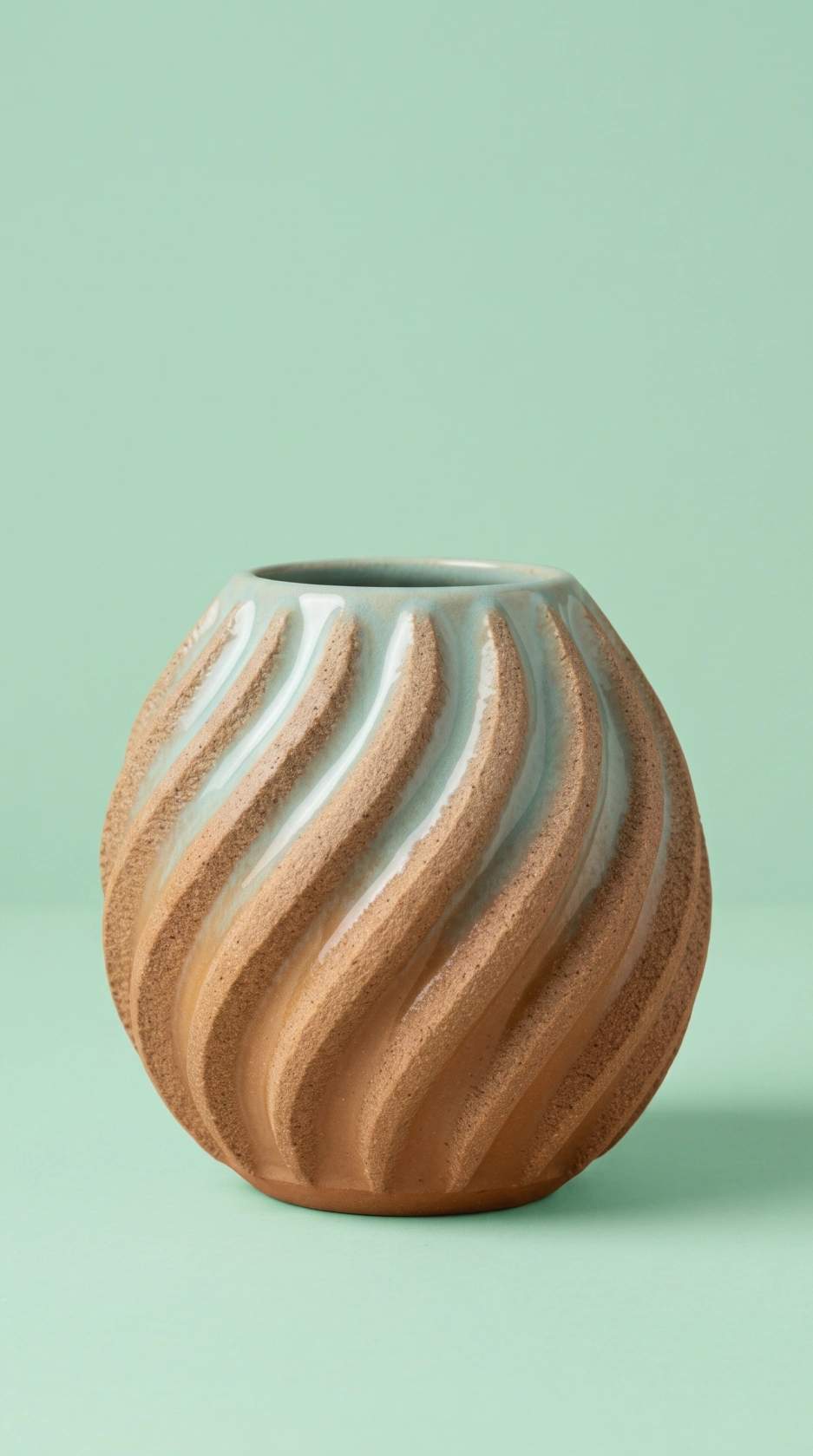
Product photos without a photoshoot, in 3 steps
Snap the piece
Straight off the kiln shelf — any clear phone photo works, workshop clutter and all.
Pick a style
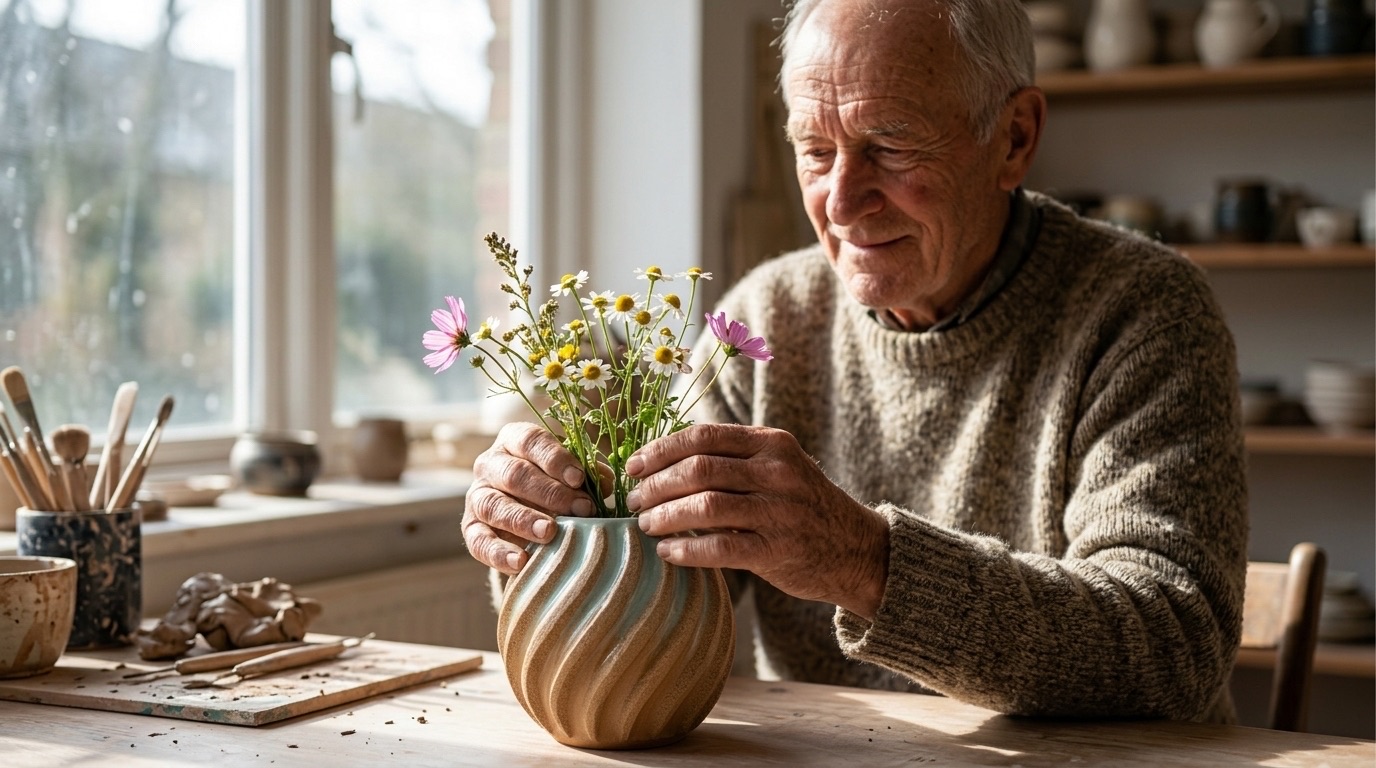
Soft flatlay, staged in a studio, someone using it, table scenes. Tap a style — no prompts to write.
Download and list
High-resolution photos sized for Etsy, Shopify and Instagram, ready before the next piece is trimmed.
Simple pricing for makers
Pick a plan that matches how often you fire. Cancel anytime from your App Store settings.
or 25 images / week
- Ideal for getting your shop consistent
- Commercial usage allowed
- Weekly or monthly billing
See your local price on the App Store.
or 75 images / week
- For busy shops and market seasons
- Commercial usage allowed
- Weekly or monthly billing
See your local price on the App Store.
Ceramics photography questions
Will glaze colors and surface texture look true to the piece?
PhotoLotus works from your real photo, so glaze tones, speckle and form carry into the generated images. Shoot near a window in natural light for the truest color.
Can I show my pottery in styled scenes — tables, kitchens, shelves?
Yes. Pick lifestyle styles like soft flatlay, staged in a studio, or someone using it — or type a scene in plain words, like a breakfast table by a window.
Every piece I make is one of a kind. Is that a problem?
It's exactly where PhotoLotus helps most: one phone photo per piece is enough, so photographing each unique piece takes minutes instead of a session.
How do I keep my shop looking consistent across firings?
Save a backdrop in the app — a linen tabletop, a sunlit shelf — and photograph every new piece in that same setting, month after month.
Spend your time making, not photographing
Download PhotoLotus, photograph one piece with your phone, and see it styled in minutes.