 PhotoLotus
For jewelry brands
AI product photos for jewelry brands
Turn one phone photo of a piece into on-model shots, styled close-ups and clean listing images for Etsy, Shopify and Amazon — with every piece in your collection sharing one look. No macro lens, no model, no lightbox.

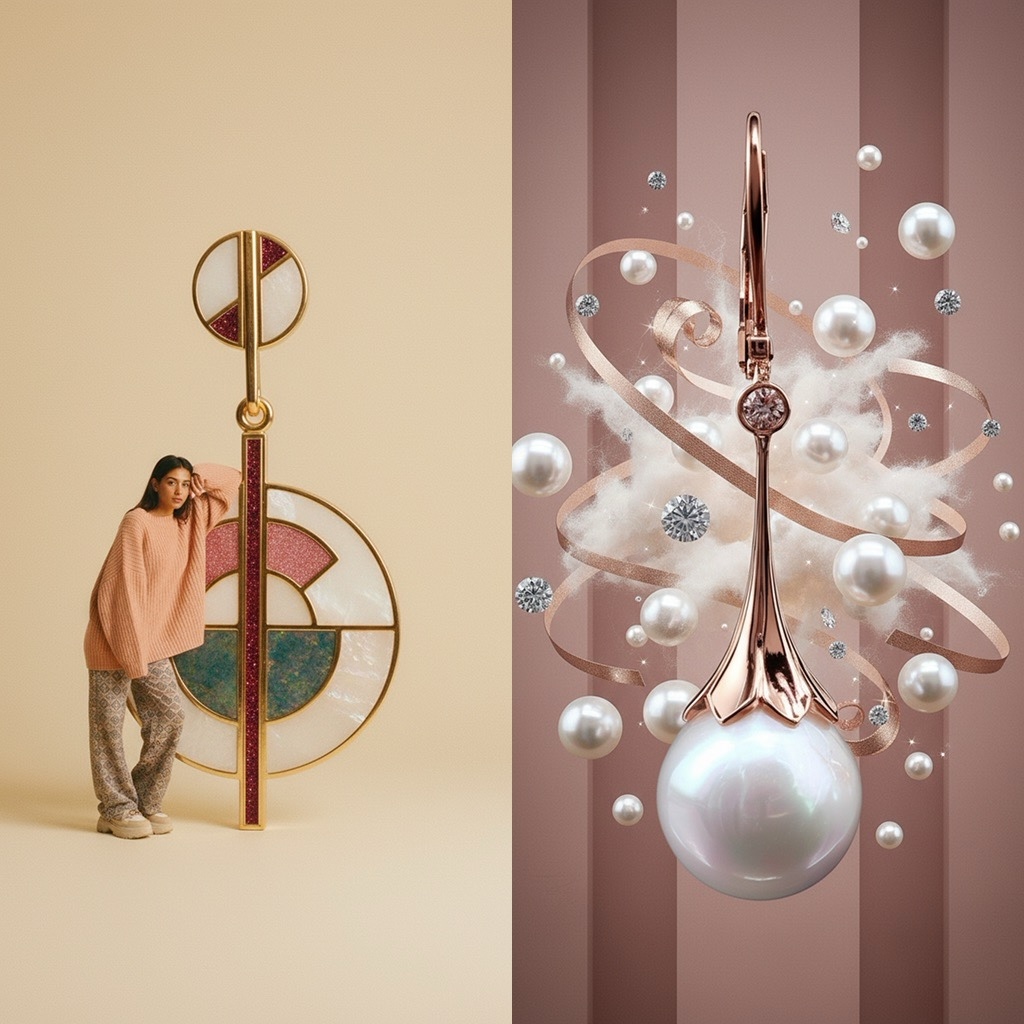
The smallest products are the hardest to photograph
-
Tiny details, big photography problems
Reflective metal, faceted stones and fine chains punish phone cameras. Getting one clean shot can take an evening — and you have forty SKUs.
-
Worn shots need a model
Earrings sell when they're on an ear, necklaces on a neckline. Booking models for every new piece isn't realistic for a small brand.
-
Your shop looks like a flea market, not a boutique
Mixed backgrounds and lighting across listings undermine the premium feel that jewelry pricing depends on.
Give every jewelry photo the same boutique look
Save a model and a backdrop once. Every ring, pendant and pair of earrings joins the same visual world — the consistency that makes a shop feel premium.
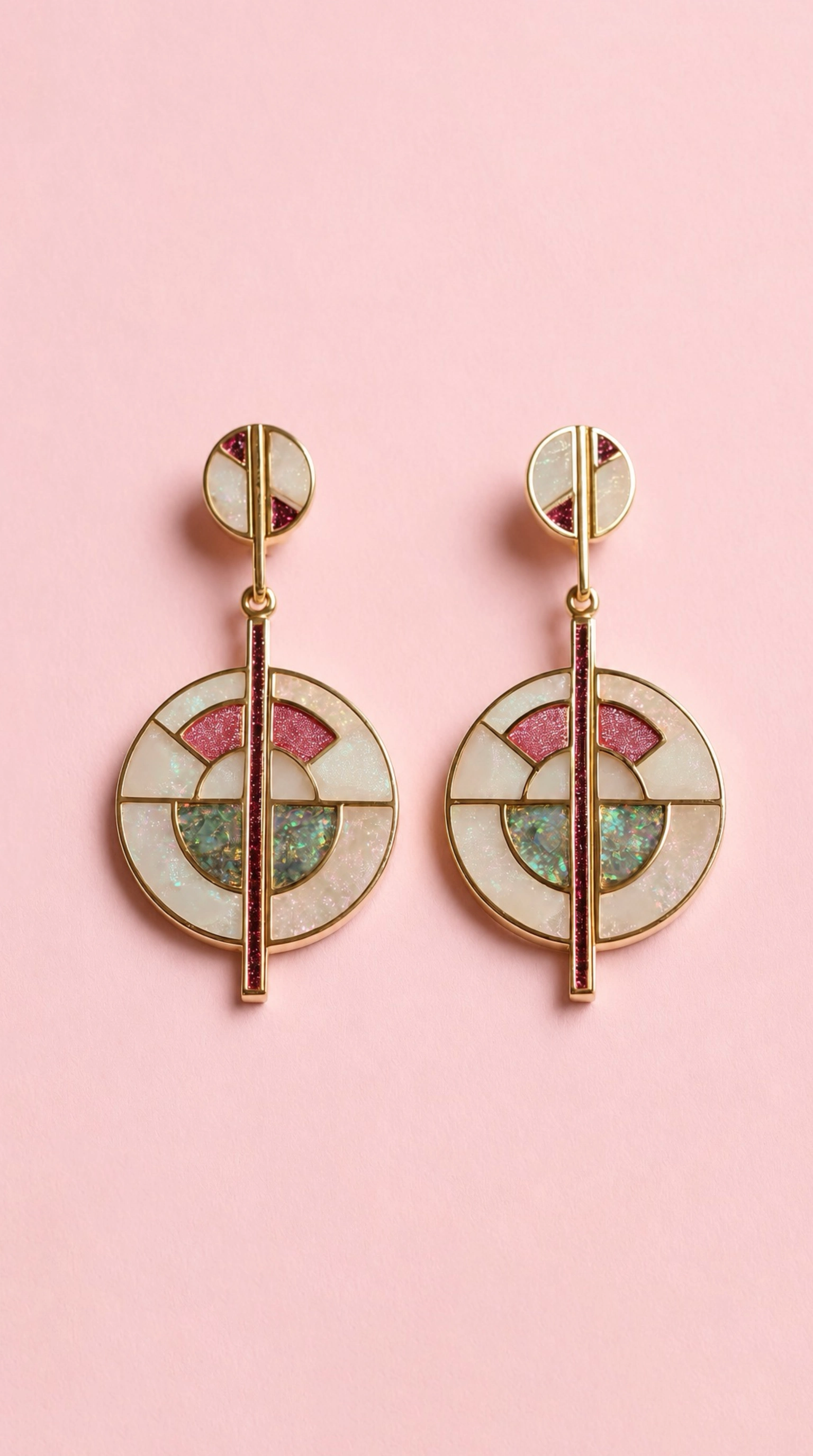
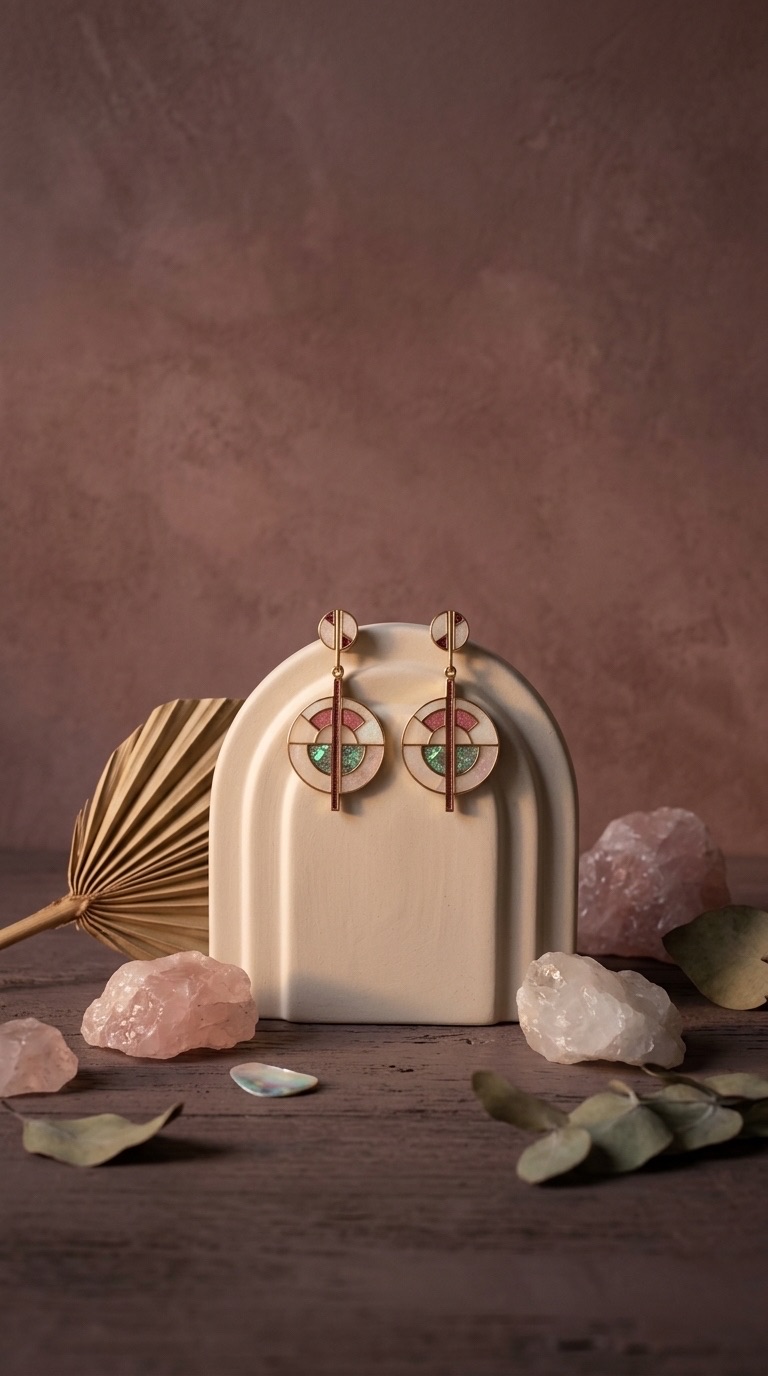
One photo becomes a complete jewelry listing set
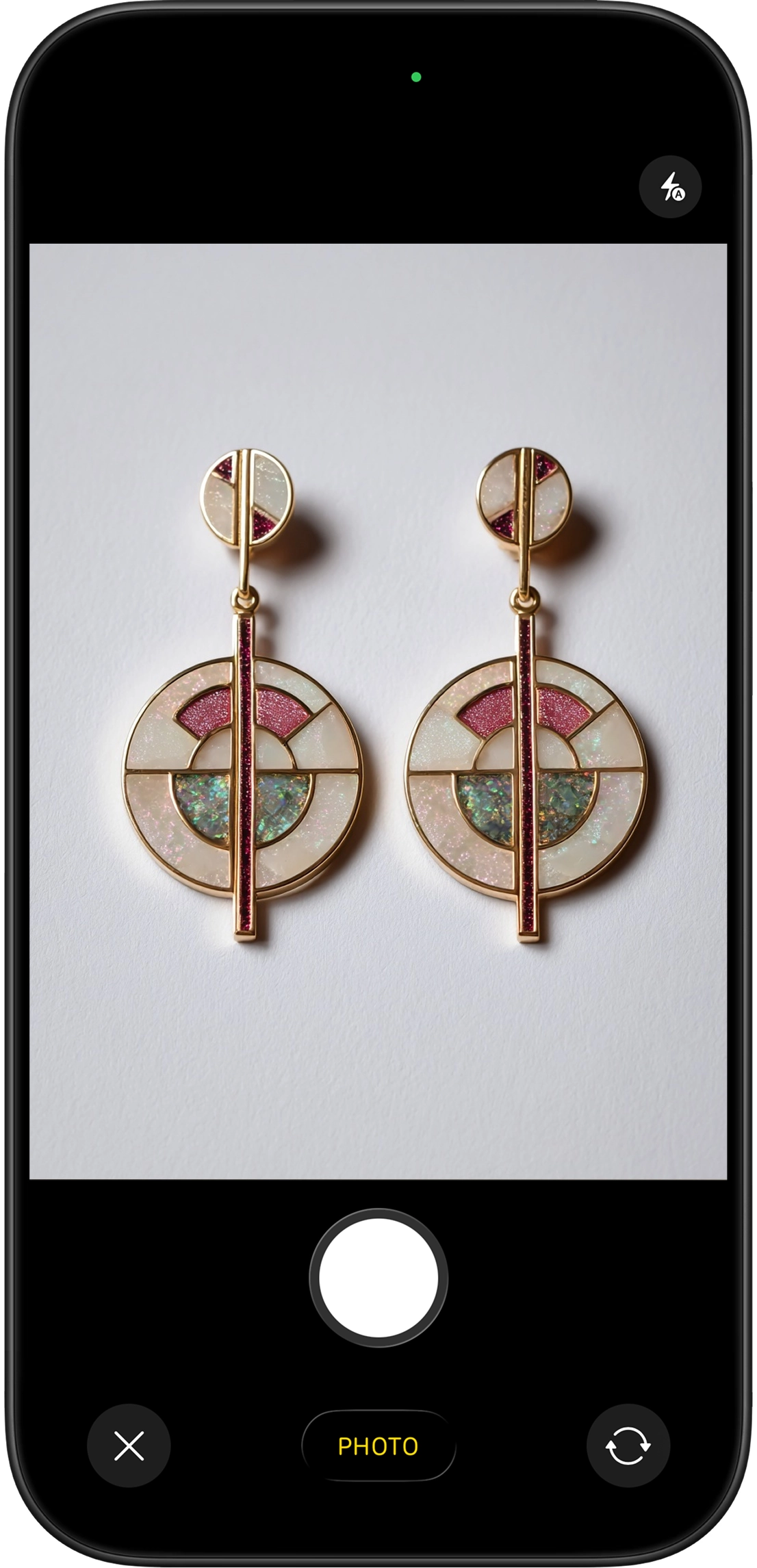
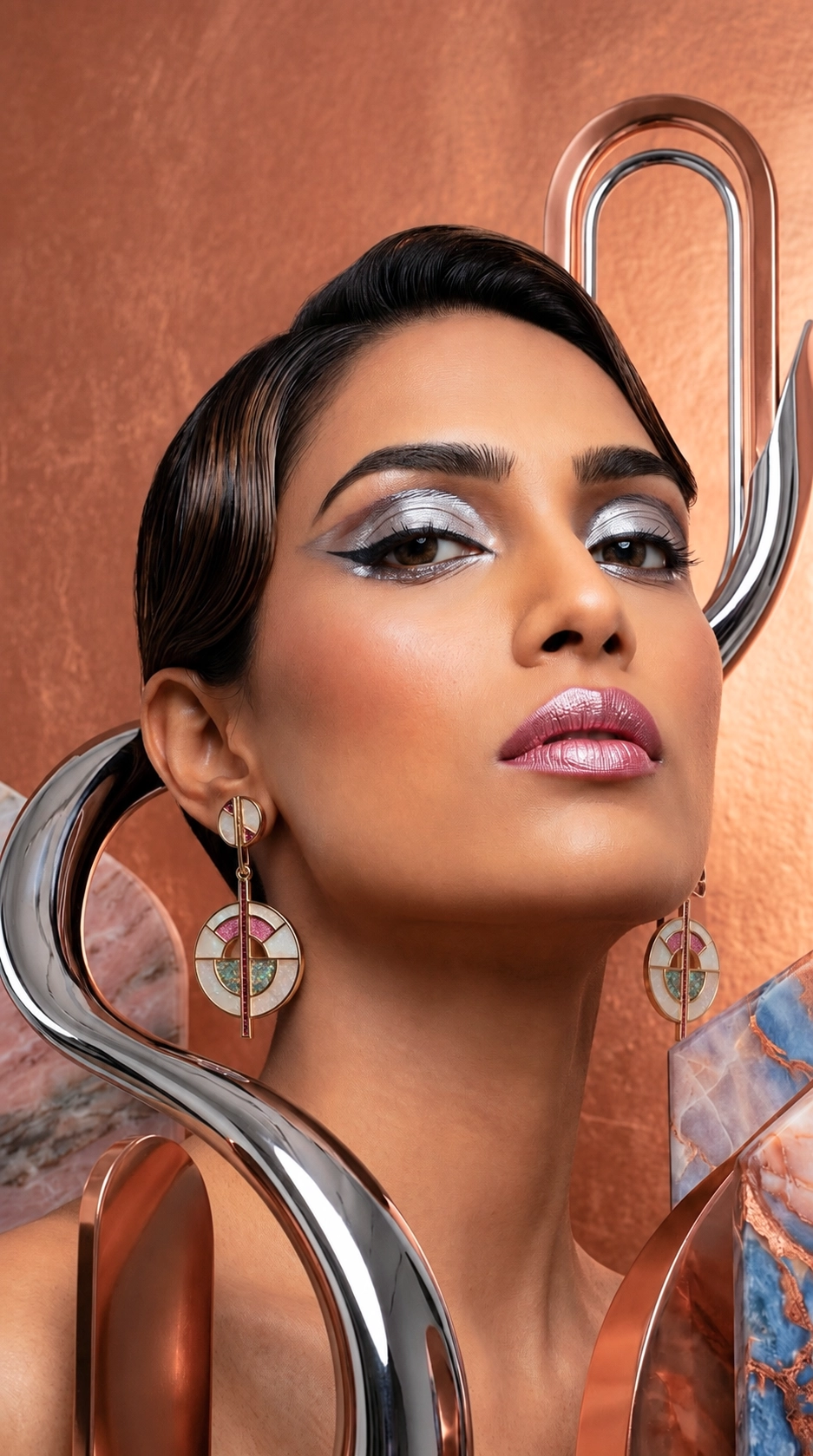
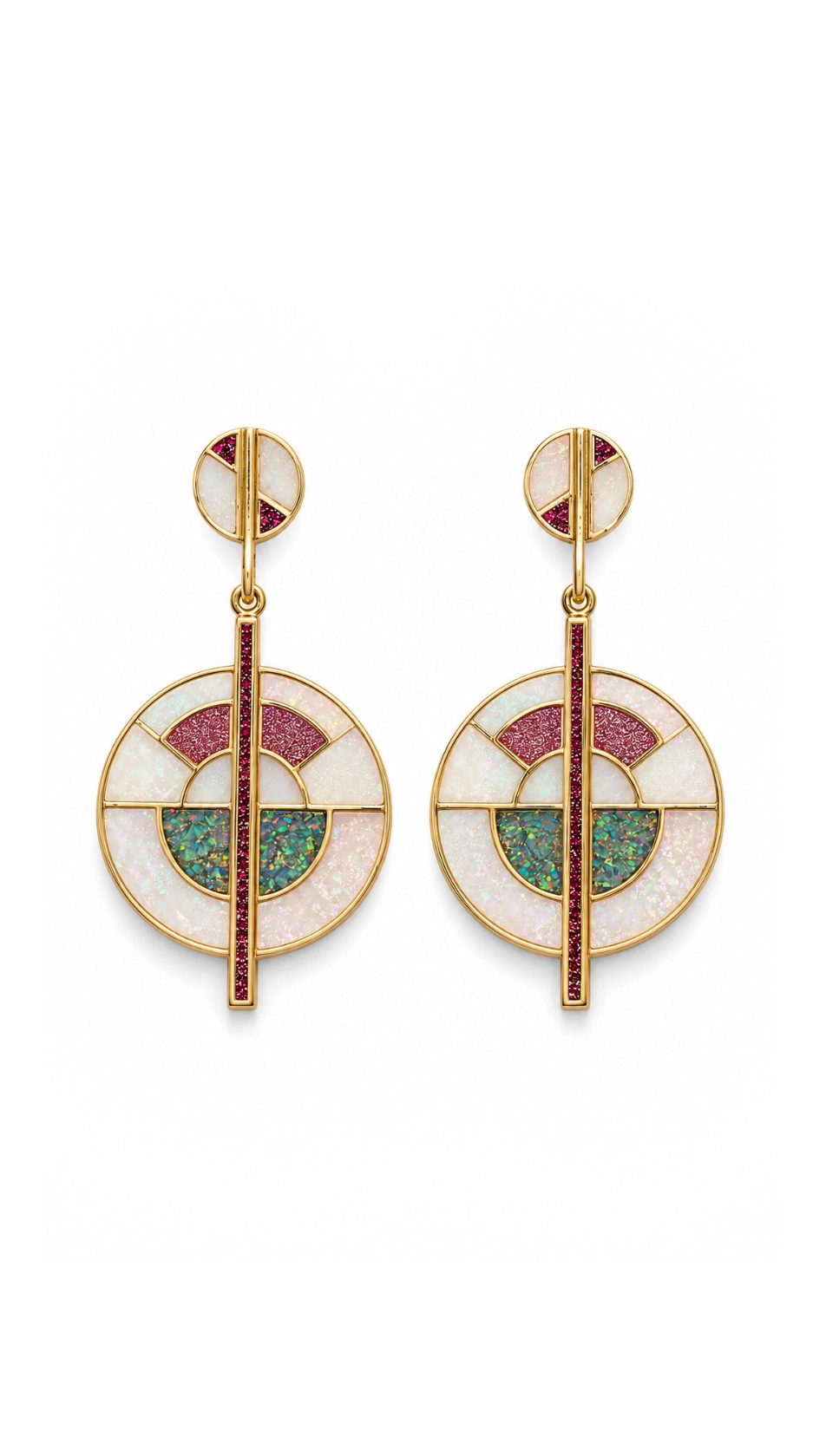
Professional quality art-directed shots made as easy as 1...2...3
Snap the piece
One clear, well-lit photo — on your table, in your hand, on a stand. No lightbox needed.
Pick a style
On-model, macro close-up, soft flatlay, staged in a studio. Tap a professionally curated art direction style — no prompts to write.
Download and list
High-resolution photos sized for Etsy, Shopify, Amazon and Instagram, ready in minutes.
Costs less than one studio shoot
Pick a plan that matches how often you list. Cancel anytime from your App Store settings.
or 25 images / week
- Ideal for getting your shop consistent
- Commercial usage allowed
- Weekly or monthly billing
See your local price on the App Store.
or 75 images / week
- For large catalogs and frequent launches
- Commercial usage allowed
- Weekly or monthly billing
See your local price on the App Store.
Jewelry photography questions
Can I show my jewelry worn on a model?
Yes. Photograph the piece by itself and PhotoLotus creates on-model shots — earrings on ears, necklaces on necklines — without booking a model. Save a virtual model and reuse the same face across your collection.
Will fine details like stones and metalwork stay accurate?
PhotoLotus works from your real product photo, so settings, stones, engraving and metal tones carry into the generated images. Take a sharp, well-lit photo for best results.
Can I get white-background photos for Etsy and Amazon?
Yes. One tap creates clean white or solid-color background listing photos that follow marketplace guidelines.
How do I keep a whole jewelry collection looking consistent?
Save a backdrop and a model in the app. Every ring, pendant and pair of earrings can then be photographed in the same setting, so your shop looks like one professional shoot.
Give your shop the boutique look
Download PhotoLotus, photograph one piece with your phone, and see it on a model in minutes.